· The Pomegranate team · 9 min read
Running studio plugins live: the complete guide to live plugin hosting
Everything you need to run VST3 plugins at a live show: how a live plugin host works, connecting over MADI or Dante, computers, latency and stability.
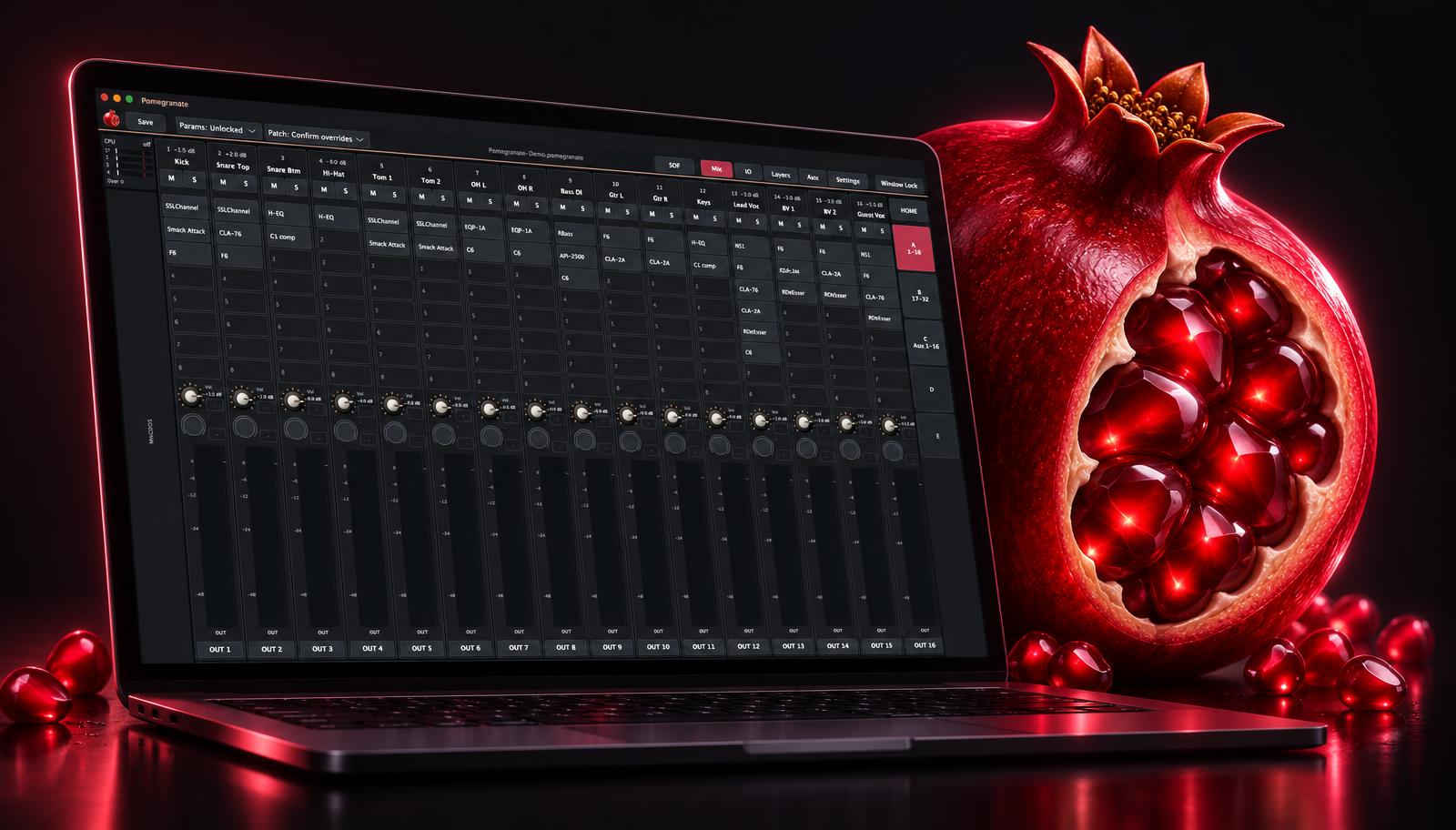
Most engineers have plugins they rely on in the studio: a vocal compressor with the right character, a de-esser that never sounds lispy, a reverb they know by heart. Digital consoles have very good processing built in, but it isn't the same as having your own tools. A live plugin host lets you bring them to the show.
This guide covers how it works, what you need, and how to keep it reliable. Each section links to a deeper post.
How a live plugin host works
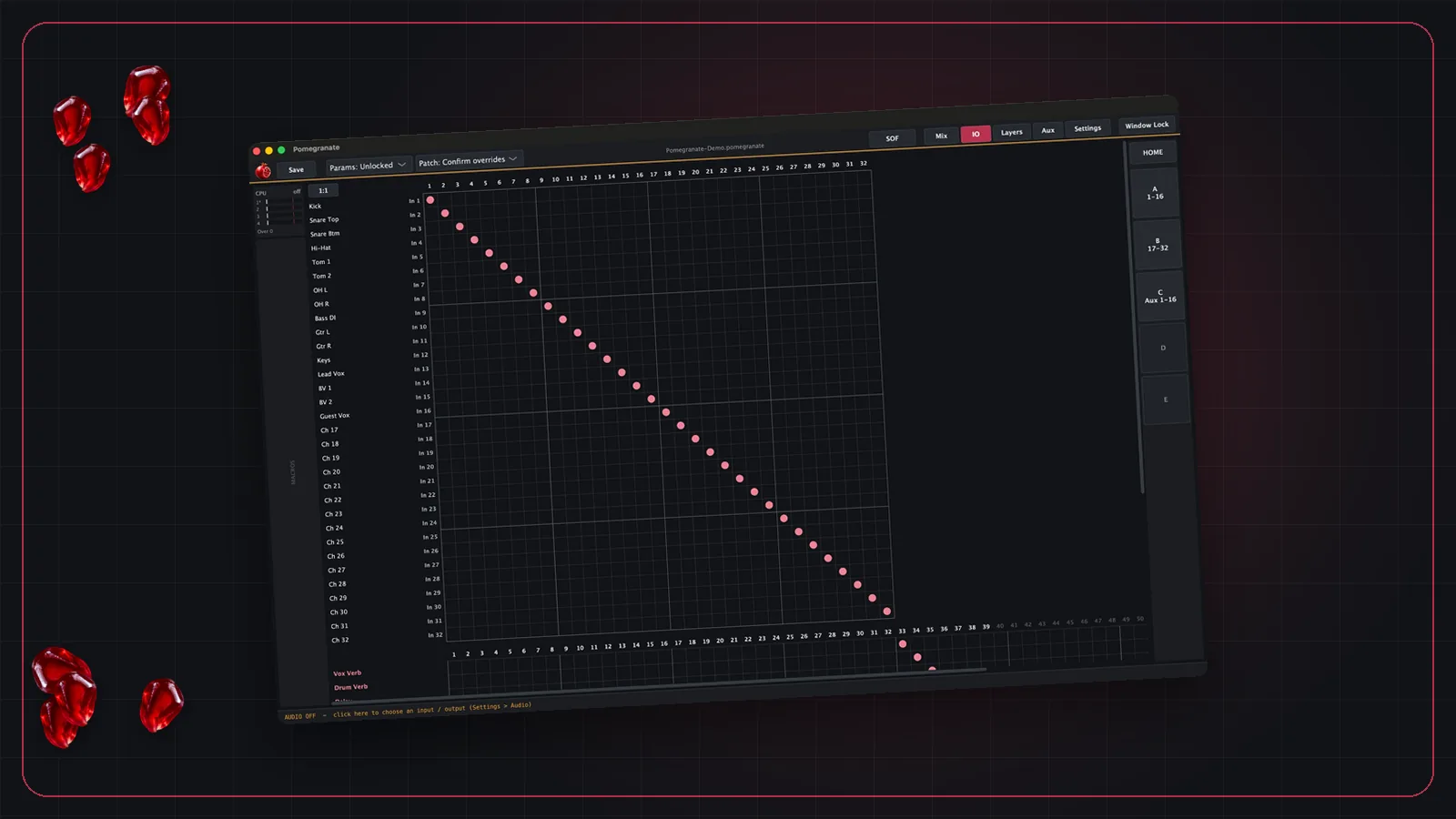
The console stays in charge of the mix. It sends channels out to a computer, the computer runs plugins on each one, and the processed audio comes back into the console on return channels or inserts.
The host has to do this for dozens of channels at once, with only a few milliseconds of delay, for hours without a hiccup. That is a very different job from a DAW, which can pause, buffer ahead, or ask you to bounce a track.
1. Connect to the console
The connection between console and computer is usually MADI or Dante. MADI is a point-to-point cable carrying 64 channels at 48 kHz; Dante runs over Ethernet and routes anything to anything. Our Dante vs MADI post compares them.
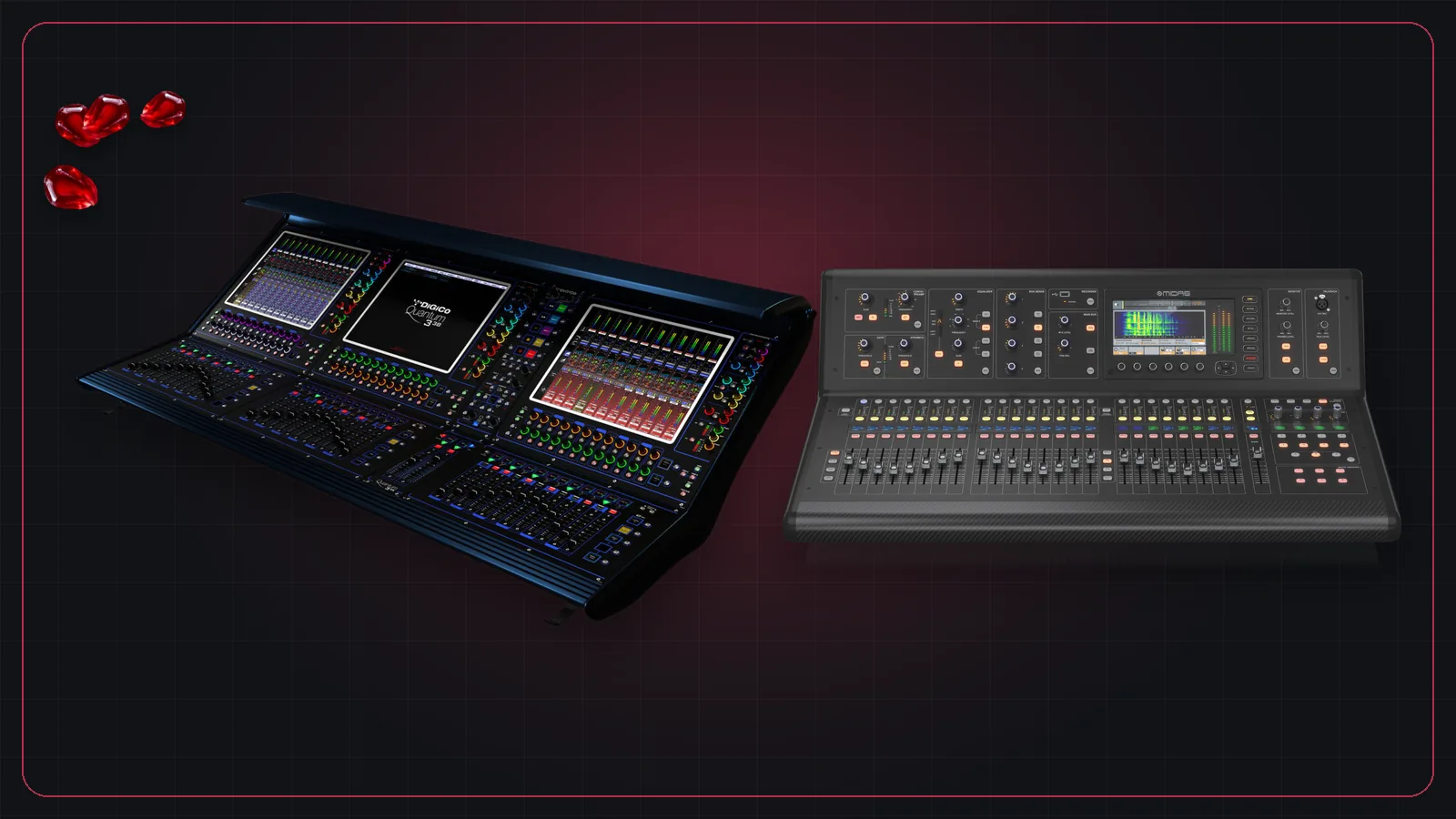
Your console decides what's available. Our guide to digital consoles and their MADI and Dante options covers the major brands, with posts on DiGiCo, Allen & Heath and Behringer and Midas.
2. Choose the interface and the computer
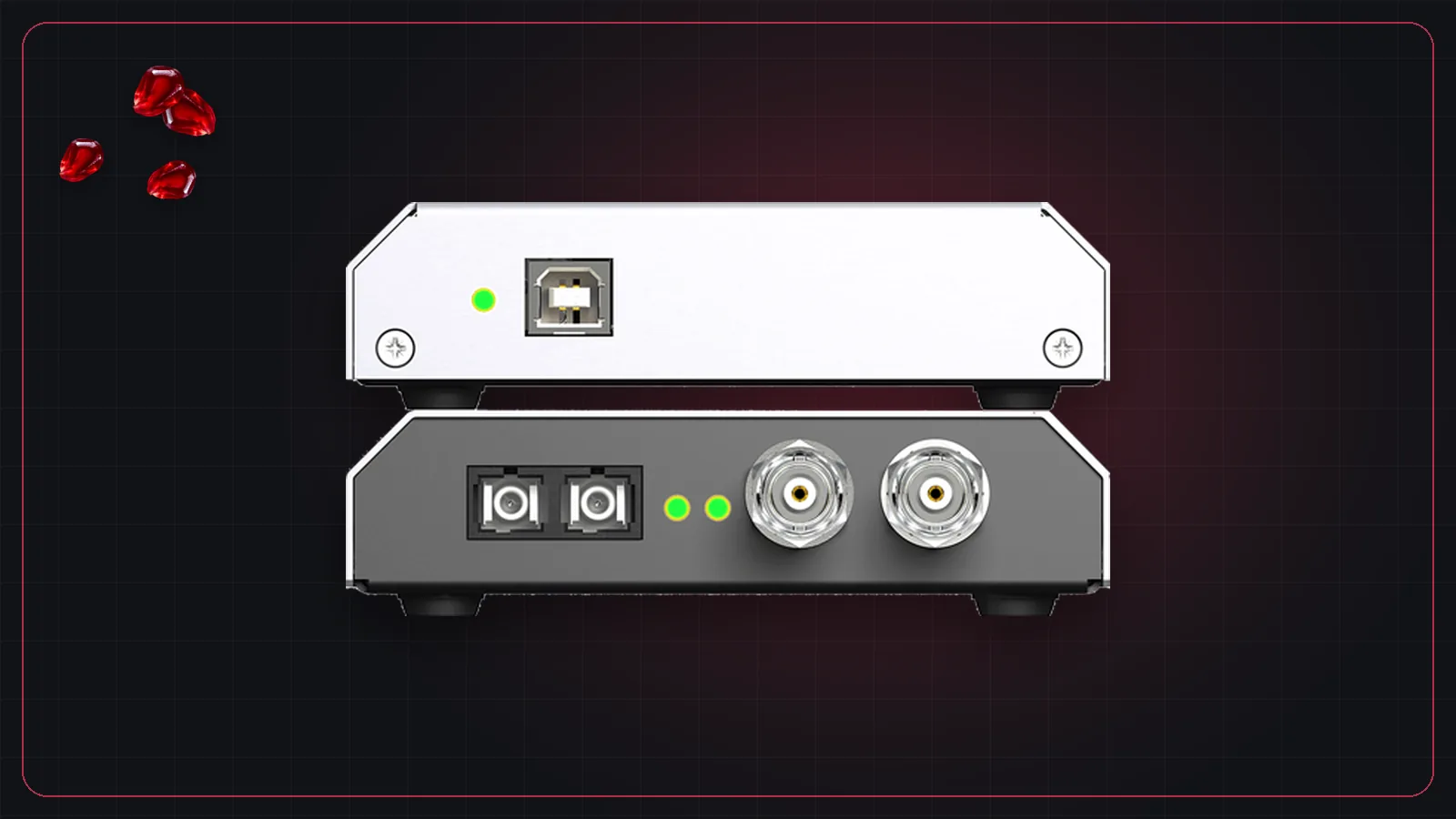
The audio interface converts the console's MADI or Dante signal into something the computer's audio driver understands, such as ASIO on Windows or Core Audio on Mac. See RME MADI interfaces for a common choice.
The computer does all the processing, so it decides how many plugins you can run at a small buffer. Choosing a computer for live plugins covers CPUs, power settings and the Windows checks that matter.
3. Keep latency low
Every plugin rig adds a little delay. Performers on in-ear monitors notice it most, which is why monitor engineers watch it closely. The main control is the buffer size, and the main limit is how much the computer can do in that time. Latency in live sound explains the math and how to get the buffer down.
4. Choose the plugins
Not every studio plugin suits the stage. Look-ahead and linear-phase modes add latency, and some plugins are very heavy on CPU. Good places to start:
- Building a live vocal chain: order, zero-latency picks and effects on aux buses.
- Alpha Labs De-Feedback: AI feedback suppression for vocal and lavalier mics.
- Using Auto-Tune live: editions, low-latency modes and settings.
- How to stop feedback: ringing out, suppressors and where AI fits.
5. Make it stable
A plugin host at a show has to keep running. That means spreading the processing across CPU cores, keeping channels time-aligned when plugins add delay, protecting the setup from accidental changes, and knowing exactly which plugin caused a problem if one misbehaves. We cover how Pomegranate handles each of these in Staying stable through the whole show.
Your options
There are several ways to run plugins live, from DSP servers to software on your own computer. Our comparison of live plugin hosts covers the main ones.
Frequently asked questions
What is a live plugin host?
A live plugin host is software that runs audio plugins in real time on channels from a mixing console, with the low latency and stability a show needs. It sits between the console's outputs and returns, usually connected over MADI or Dante.
Can I use a DAW as a live plugin host?
You can, but DAWs are built for recording and editing. A dedicated live host is designed around low latency, many channels at once, quick changes during a show, and staying up for hours.
Which plugin format do live hosts use?
It depends on the host. Pomegranate runs VST3 plugins. Some systems use their own formats, such as Waves SoundGrid or AAX DSP on Avid VENUE consoles.
Do I need special hardware to run plugins live?
You need a computer and an audio interface that connects to your console, usually over MADI or Dante. Some systems use dedicated DSP servers; Pomegranate uses your own computer as the processor.