· The Pomegranate team · 6 min read
Running external plugins on DiGiCo consoles over MADI
How to connect a plugin host to DiGiCo SD and Quantum consoles: MADI ports by model, DMI cards, Dante options, and patching channels out and back.
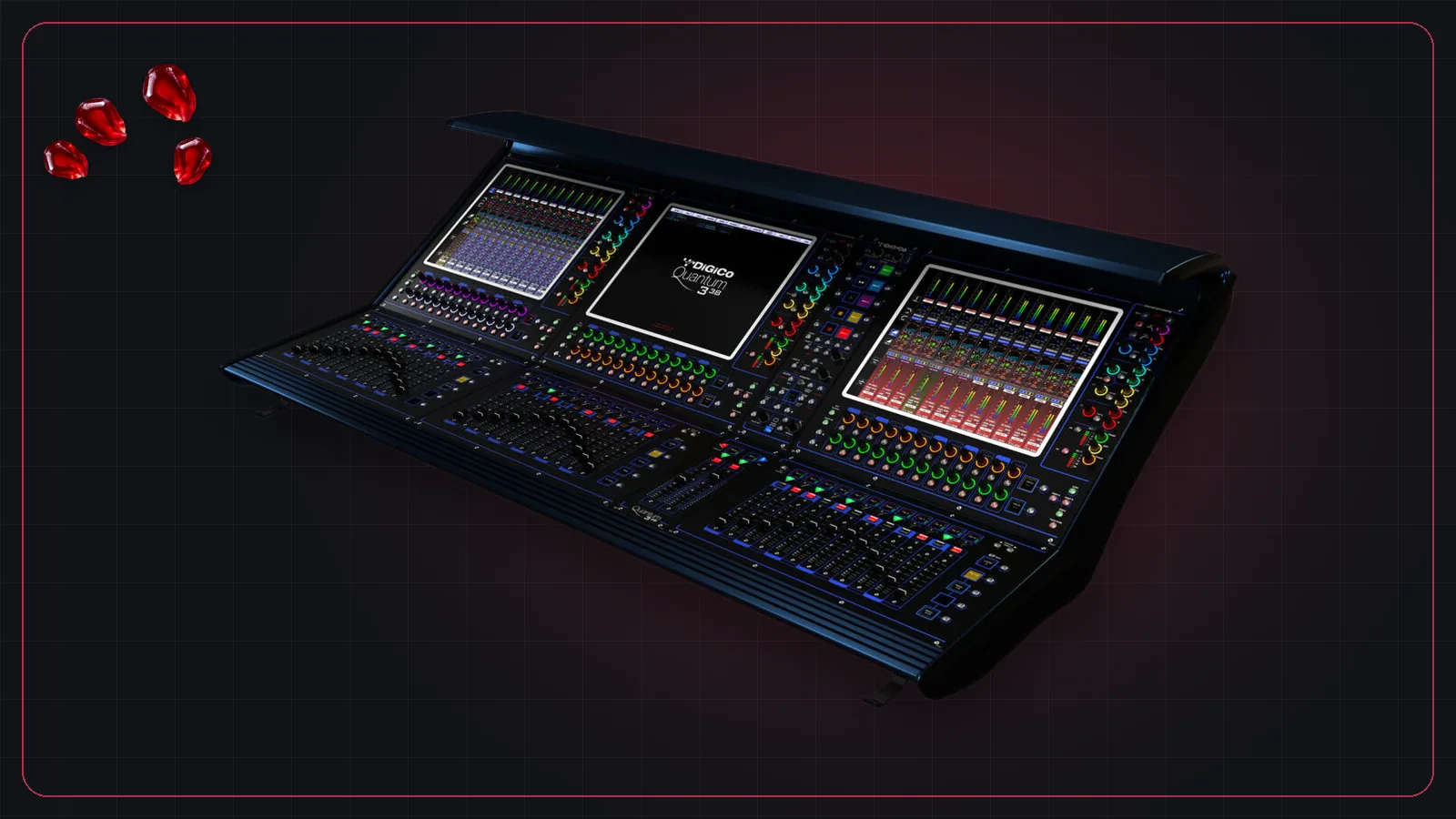
DiGiCo consoles are a fixture of touring and festival stages, and nearly all of them speak MADI natively. That makes a DiGiCo one of the easiest consoles to pair with an external plugin host.
MADI by model
According to DiGiCo's product pages:
| Model | Built-in MADI | Inputs / busses |
|---|---|---|
| SD12 | Dual MADI, 2 BNC | 72 / 36 |
| SD10 | 2 redundant MADI, BNC | 144 / 64 |
| SD5 | 4 redundant MADI, BNC | Up to 253 / up to 128 |
| Quantum 225 | 2 redundant MADI, or 4 MADI I/O, at 48 kHz | 72 / 36 |
| Quantum 338 | 6 single or 3 redundant MADI | Up to 128 / 64 |
| Quantum 852 | 8 MADI at 48 kHz, or 4 redundant at 96 kHz | Up to 384 / 192 |
| SD11 | MADI on BNC | 48 / 24 |
DMI option cards
Many DiGiCo models have DMI slots for extra I/O. Relevant cards include:
- DMI-MADI-B: MADI on BNC, 64 channels in and out at 48 or 96 kHz.
- DMI-MADI-C: MADI over RJ45, 64 in and out.
- DMI-DANTE: 64 × 64 at 48 kHz, 32 × 32 at 96 kHz.
- DMI-DANTE64@96: 64 × 64 at both 48 and 96 kHz.
DiGiCo's Orange Box is a 2U converter with two DMI slots, useful for bridging formats, for example MADI to Dante.
DiGiCo's own plugin integrations
DiGiCo works with Waves SoundGrid, using a Waves card in the console or a MADI-to-SoundGrid interface, and with Fourier Audio's transform.engine through a Dante-based interface card. Both are covered in our comparison of live plugin hosts.
Connecting a computer-based host over MADI
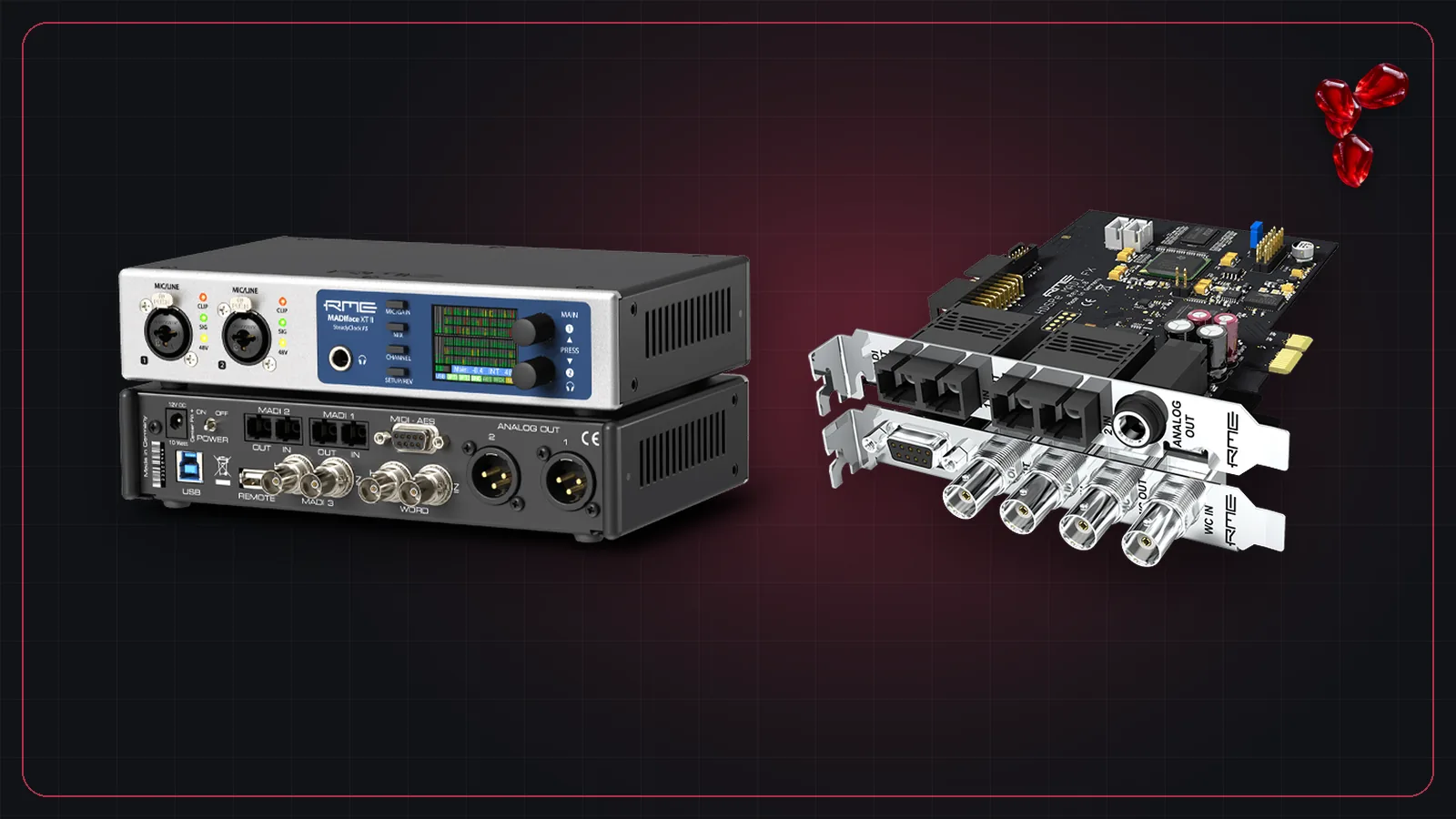
- Connect one of the console's MADI ports to a MADI interface on the computer, such as one of the RME MADI interfaces, and back.
- Make the console the clock master and set the interface to follow the incoming MADI.
- On the console, patch channel insert sends (or direct outs) to MADI outputs, and the insert returns from the matching MADI inputs.
- In the plugin host, patch each MADI input to a channel, add plugins, and send the channel to the matching MADI output.
With Pomegranate, a single DiGiCo MADI port covers a full 64-channel session. For more on the patching options, see digital consoles and their MADI and Dante options.
Frequently asked questions
Does DiGiCo support plugins?
DiGiCo consoles integrate with Waves SoundGrid through option cards and work with Fourier Audio's transform.engine through a Dante-based card. Any console with MADI, including most DiGiCo models, can also send channels to a computer-based plugin host and receive them back.
How many MADI ports does a DiGiCo SD12 have?
DiGiCo lists the SD12 with dual MADI built in, on two BNC interfaces, plus slots for DMI option cards such as DMI-DANTE.
Can I add Dante to a DiGiCo console?
Yes, with a DMI-DANTE card (64 × 64 at 48 kHz, 32 × 32 at 96 kHz) or a DMI-DANTE64@96 card (64 × 64 at 48 and 96 kHz), on models with DMI slots.