· The Pomegranate team · 7 min read
Using Auto-Tune live: settings, latency and setup for the stage
How to run Antares AutoTune on live vocals: which edition to use, low-latency modes, buffer size, retune speed and key changes, plus where MetaTune fits.
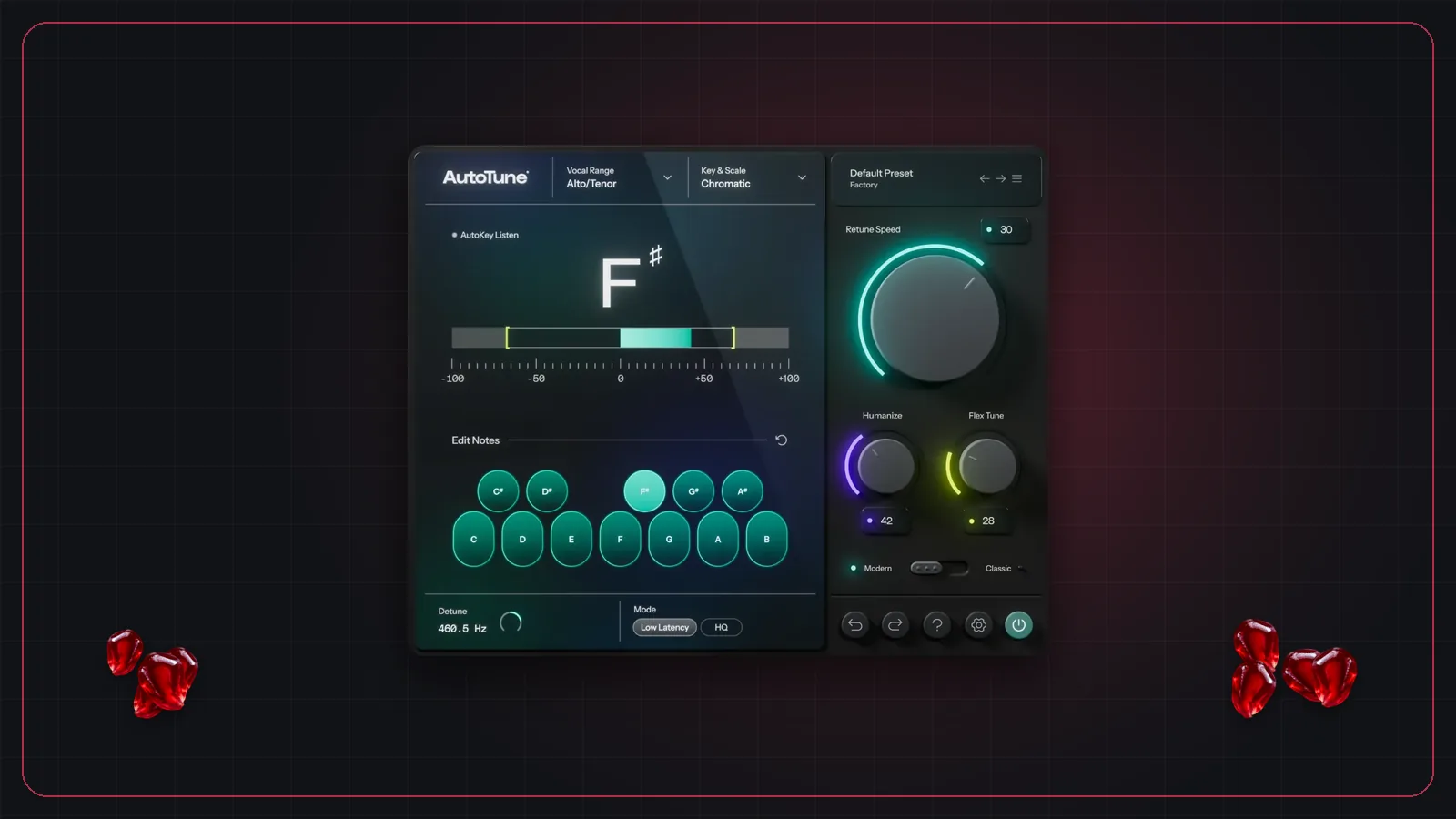
Pitch correction on live vocals is no longer unusual. Some artists use it as an obvious effect that is part of their sound; others want gentle correction nobody notices. Either way it has to happen in real time, with as little delay as possible, on a system that won't stop in the middle of a song.
Which AutoTune edition to use live
Antares reorganized its lineup in 2025–26. The current pitch-correction editions, per Antares:
| Edition | Aimed at | Live-relevant mode |
|---|---|---|
| AutoTune Advanced | Automatic tuning and real-time performance | Live mode, quoted at under 1 ms from 44.1 to 192 kHz |
| AutoTune (2026) | Streamlined, CPU-friendly tuning | Low Latency mode, for live performance and monitoring |
| AutoTune Pro 11 | Detailed editing in the studio, with Graph Mode and ARA2 | Studio-focused |
AutoTune 2026 replaced the older Artist and Access editions, so older guides that recommend "Auto-Tune Artist for live" now point to AutoTune 2026 or Advanced. All three come in VST3, AU and AAX. Antares sells them as perpetual licenses or through its AutoTune Unlimited subscription; check antarestech.com for current prices.
Settings Antares recommends for live use
Antares published a guide to real-time pitch correction for live performance. The key points:
- Use the low-latency mode for every live use. Antares gives 2.5 ms core latency at 44.1 kHz for AutoTune 2026's Low Latency mode.
- Set the host buffer to 32 or 64 samples. See latency in live sound for what that means in milliseconds.
- Use a dedicated live host rather than a full DAW. Antares names MainStage, Live Professor and Gig Performer as examples.
- Retune speed: 0 ms in Classic mode for the hard-tuned effect, around 20–45 ms for transparent correction.
- Key changes: use AutoKey, or save a preset per song.
Where it goes in the chain
Put pitch correction early: after any gain staging and cleanup, and before compression, saturation, delay and reverb. Tuning works best on a clean, dry, single voice. If you also use De-Feedback on the same mic, it usually goes before the tuner, so the tuner isn't tracking feedback or room sound. Our live vocal chain post lays out a full chain.
Slate Digital MetaTune
MetaTune is Slate Digital's automatic pitch-correction plugin. Slate's manual says its Low Latency tuning algorithm is "great for tracking and live monitoring," and that the Note Stabilizer feature, which adds 280 ms, is disabled in that mode. It's built for monophonic sources, runs as VST3 on Windows and Mac, and is available in any Slate Digital subscription or as a perpetual license.
If you already have a Slate subscription, MetaTune is worth testing alongside AutoTune at your live buffer size. Judge both on a real vocal at show volume, not on a recording.
Running pitch correction in Pomegranate
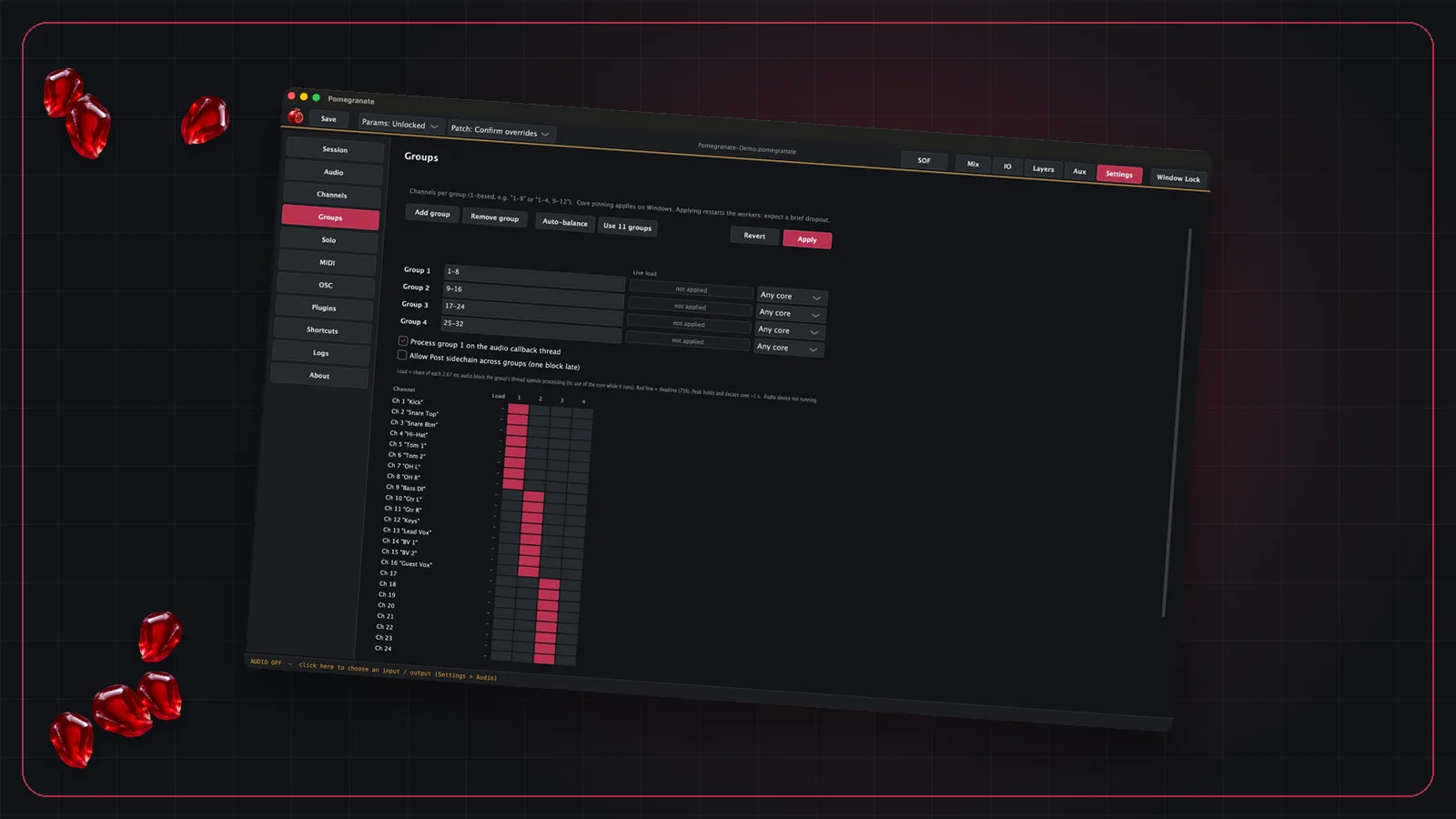
Pomegranate hosts VST3 plugins on every channel, so AutoTune or MetaTune loads like any other plugin: find it in the plugin browser, add it to the vocal channel, and save. The vocal arrives from your console over MADI or Dante and goes back processed, so the tuned vocal can feed both front of house and the monitor mixes.
Two features matter for tuning in particular. Show locks keep a bumped controller from changing the key or retune speed mid-show. And MIDI and OSC control let you adjust plugin settings from a hardware controller or a tablet instead of a mouse. Pomegranate hosts plugins you already own; AutoTune and MetaTune are licensed separately.
Frequently asked questions
Can you use Auto-Tune live?
Yes. Antares builds low-latency modes into its current AutoTune editions for live performance and monitoring, and recommends a host buffer of 32 or 64 samples and a dedicated live plugin host rather than a full DAW.
Which AutoTune is best for live performance?
AutoTune Advanced has a Live mode Antares quotes at under 1 ms. AutoTune 2026 has a Low Latency mode intended for live performance and monitoring. Pro 11 is aimed at detailed studio editing.
What retune speed should I use live?
Antares suggests a retune speed of 0 ms in Classic mode for the hard-tuned effect, and roughly 20–45 ms for more transparent correction.
How do I handle key changes with live Auto-Tune?
Antares suggests either AutoKey, which detects the key, or saving a preset per song and switching presets between songs.