· The Pomegranate team · 8 min read
How to stop feedback in live sound: ringing out, suppressors and AI
Why feedback happens, how to ring out wedges and mains with EQ, what automatic suppressors do, and where AI tools like De-Feedback fit in.
Every engineer has heard it: a ring that grows into a howl, usually at the worst possible moment. Feedback is not random. It follows simple rules, and once you know them you can get much more level from a microphone before it bites back.
Why feedback happens
A microphone hears a speaker. The console and amplifier make that sound louder, the speaker plays it, and the mic hears it again. If the gain around that loop reaches unity at any one frequency, that frequency builds on itself and rings. As Sound On Sound puts it, the onset of feedback is linked to system gain, not to the absolute volume level.
The amount of level you can get before that happens is called gain before feedback. Everything below is a way of getting more of it.
1. Start with the physical setup
The cheapest decibels come from where things are and what you use.
- Distance. According to Shure, doubling the distance from the speaker to the mic allows about 6 dB more output.
- Use the mic's null. Directional mics reject sound from certain angles. Point the wedge directly at the back of a cardioid mic, or 30–45° off the rear for a supercardioid or hypercardioid.
- Fewer open mics. Shure notes that each doubling of open mics lowers gain before feedback by about 3 dB. Mute what isn't in use.
- Don't cup the mic. Holding the grille changes its pickup pattern and makes it far more prone to feedback.
2. Ring out the wedges and mains
Ringing out tunes the system so its worst frequencies are tamed before the show. The classic method:
- Put the mic where the performer will be, and route it to one wedge or mix.
- Slowly raise the level until the system just starts to ring.
- Find the frequency, with a graphic EQ or an analyzer, and cut that band a few dB. Shure suggests cuts of around 3 dB. Avoid boosts.
- Raise the level again until the next frequency rings, and repeat. Stop when you have the level you need plus some headroom.
Shure's rough guide to what you'll hear: howls usually sit around 250–500 Hz, ringing near 1 kHz and screeches above 2 kHz. Sound On Sound adds a caution: third-octave EQ bands are much wider than the feedback itself, so cut no more than a handful of decibels, or you'll hollow out the sound.
3. Automatic feedback suppressors
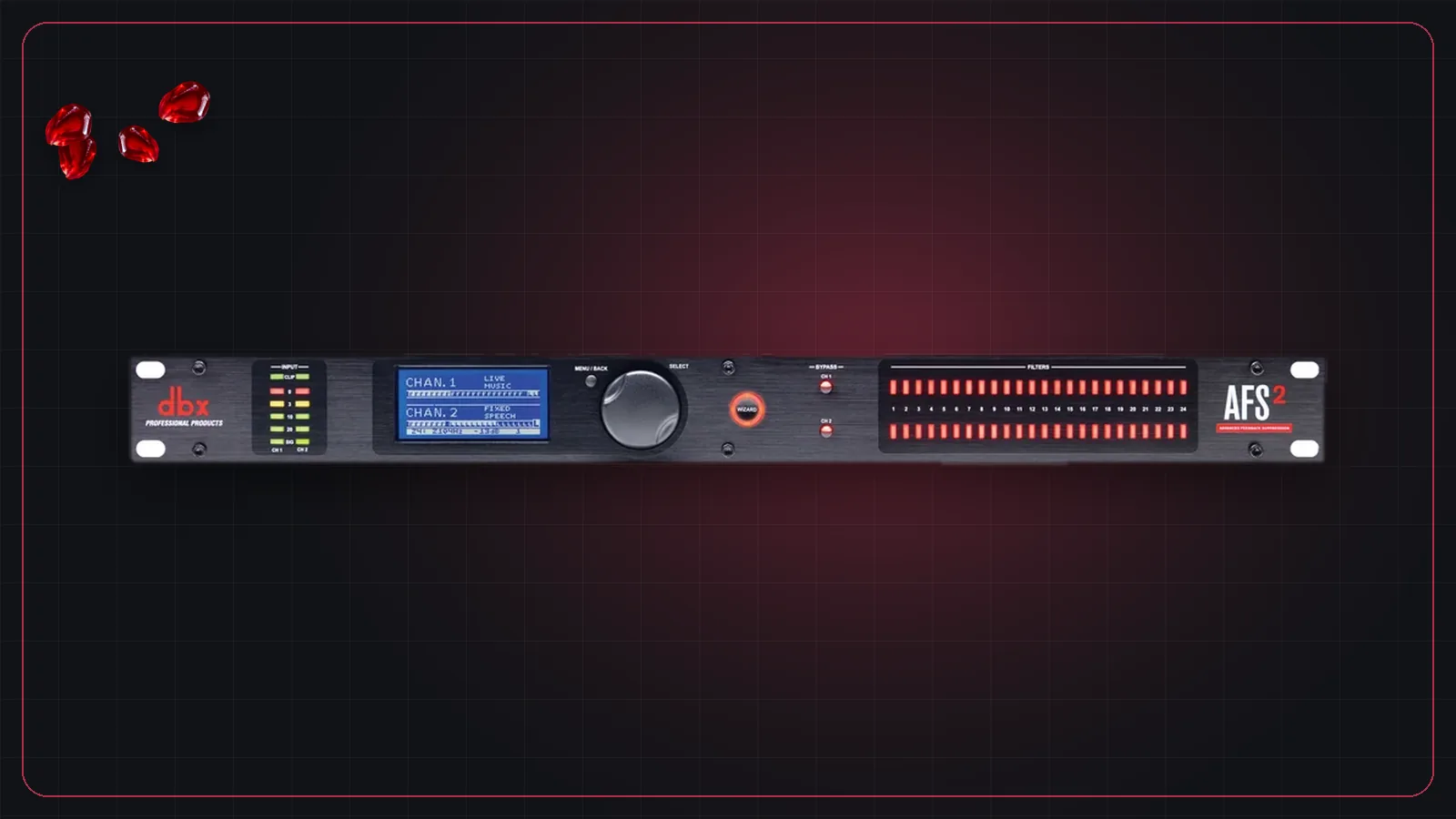
Automatic suppressors do the same job continuously, but with far narrower filters, often a fraction of a semitone wide. A typical example is the dbx AFS2: a setup wizard places fixed filters during soundcheck and locks them, then live filters are added automatically during the show and released when they're no longer needed.
A common approach is to lock four or five fixed filters and let the rest roam. Expect a few more dB of gain before feedback, not a cure. Every filter removes a sliver of the sound, and the suppressor has to hear feedback start before it reacts.
4. AI feedback suppression
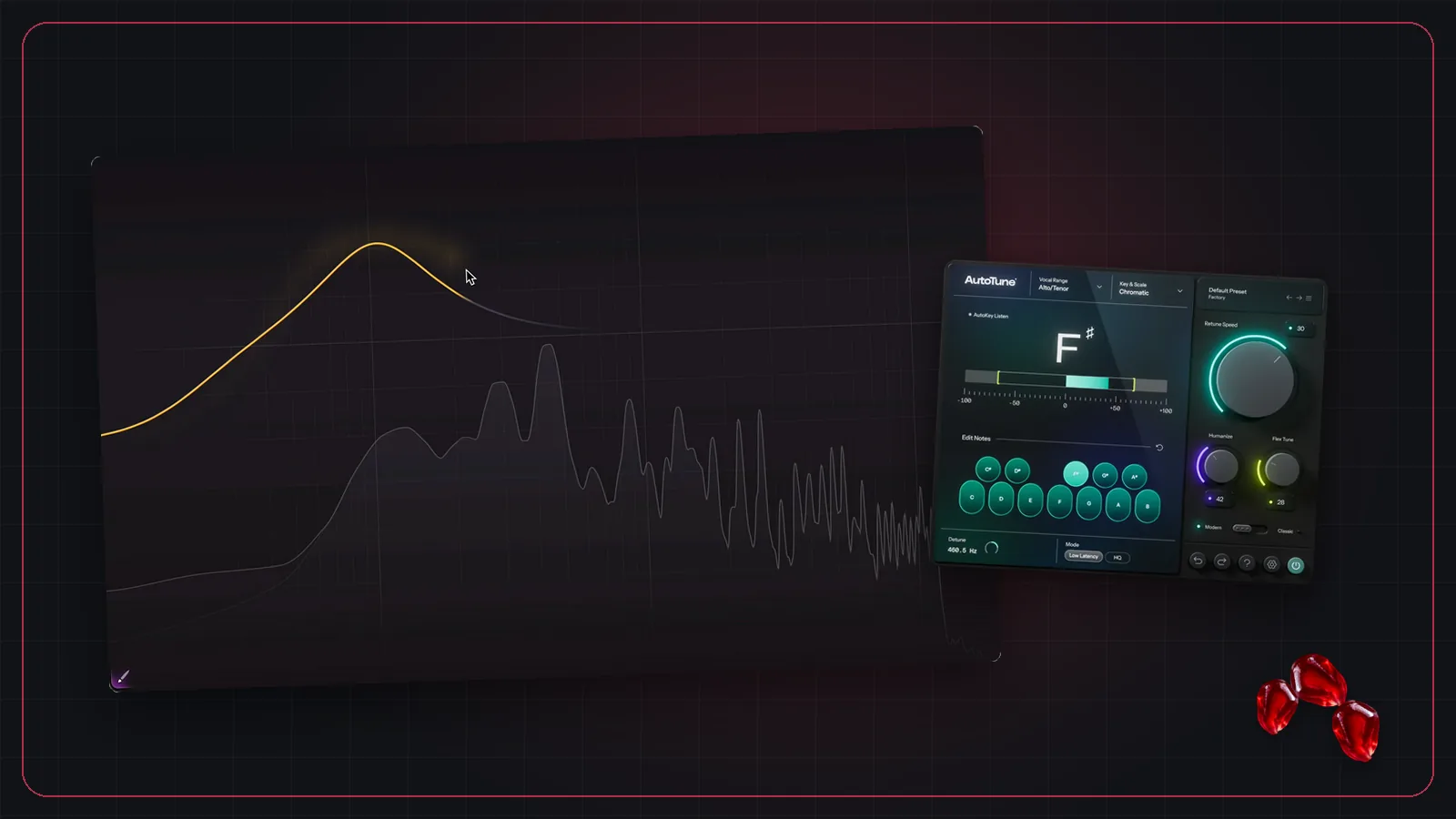
The newest option uses machine learning to tell a voice apart from the feedback and remove the feedback, rather than notching out frequencies. The best-known example is Alpha Labs De-Feedback, which also reduces room reverb and background noise on the mic.
It suits the hardest cases: lavalier mics on presenters, quiet talkers, theater, worship and corporate events, and loud stages where wedges sit close to vocal mics. It is designed for voices, not instruments, and it needs a powerful computer. It runs as a plugin, so you'll need a host connected to your console; see our guide to live plugin hosting.
Putting it together
- Choose and place mics and wedges well.
- Ring out each monitor mix and the mains with gentle cuts.
- Add a suppressor or an AI plugin on the mics that still need more level, usually vocals and lavaliers.
- Keep EQ boosts and compression in check on those channels. Compression raises quiet sounds, and that includes the room.
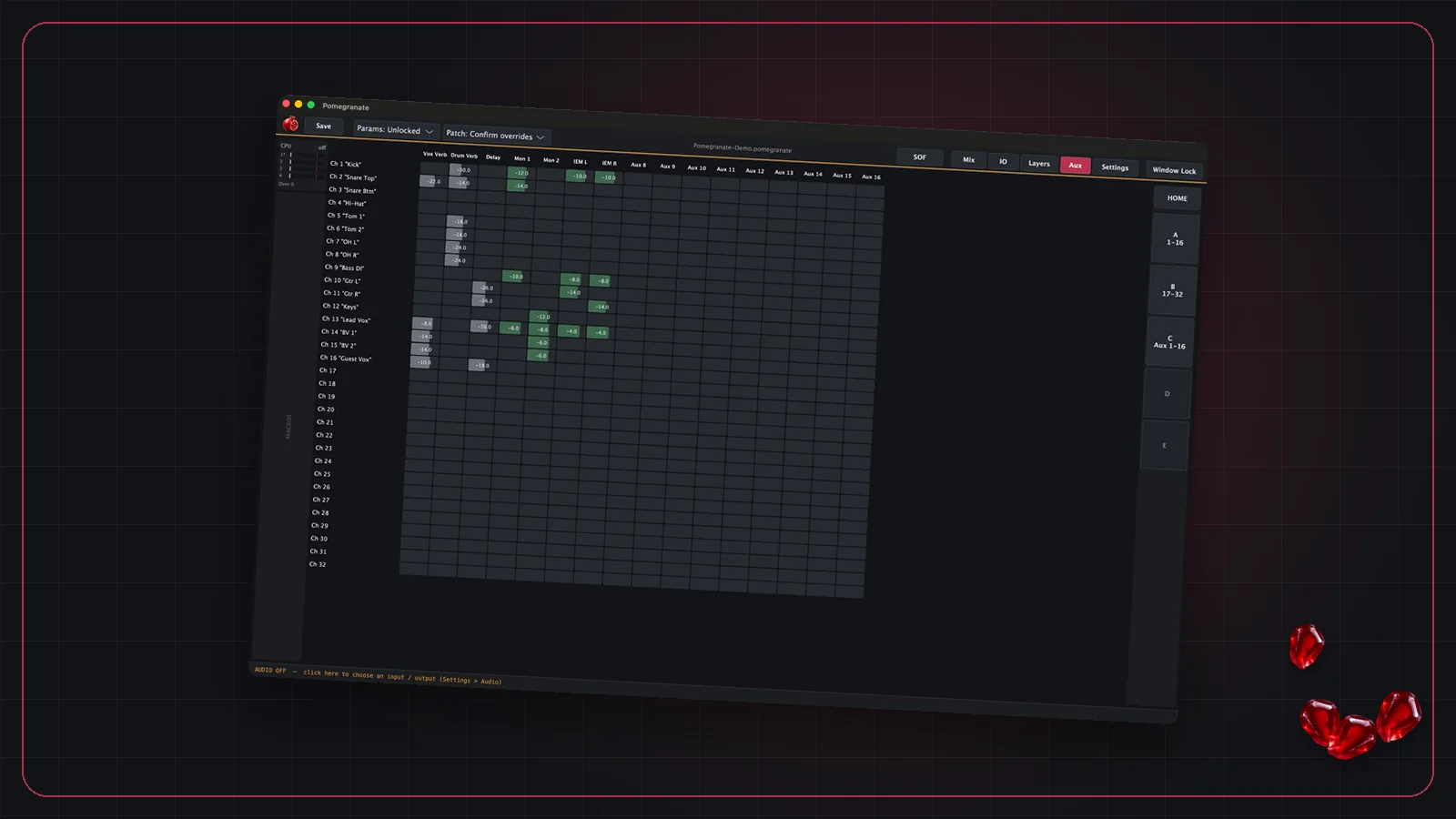
If you run plugins on monitor sends, Pomegranate's Pre and Post aux sends let you build mixes from processed channels, and solo after any plugin lets you hear a channel at any point in its chain without changing what the performers hear.
Frequently asked questions
What causes feedback in a PA system?
A microphone picks up sound from a speaker, the system amplifies it, and the speaker plays it back louder. When the gain around that loop reaches unity at some frequency, that frequency builds into a ring or howl.
What does ringing out mean?
Ringing out is slowly raising a mic's level through a wedge or the PA until it starts to ring, cutting that frequency with EQ, and repeating until you have enough level. It gives you more gain before feedback before the show starts.
Do feedback suppressors work?
Automatic suppressors place very narrow notch filters on frequencies as they start to ring. They typically buy a few more dB of gain, not a cure, so they work best alongside good mic choice, placement and EQ.
How much does moving the speaker help?
A lot. Shure notes that doubling the distance between the loudspeaker and the microphone allows about 6 dB more output before feedback.