· The Pomegranate team · 6 min read
Dante vs MADI: which should you use for live sound?
Dante and MADI compared for live audio: cabling, channel counts, routing, latency, redundancy, clocking and cost, plus which to pick for a plugin computer.
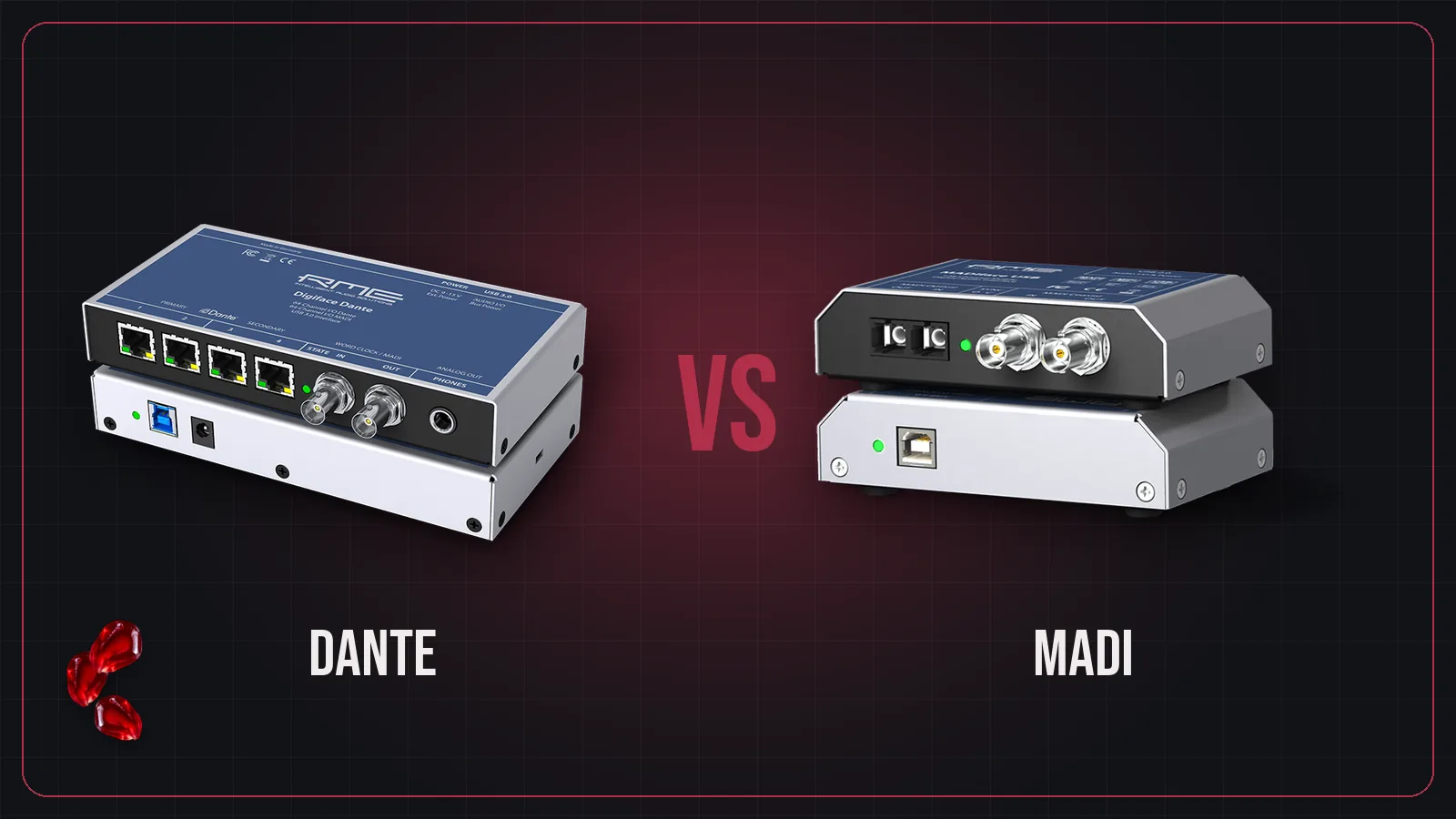
MADI and Dante both move dozens of channels of digital audio on very little cable. They solve the problem in different ways, and the right choice depends on what you're connecting.
The short version
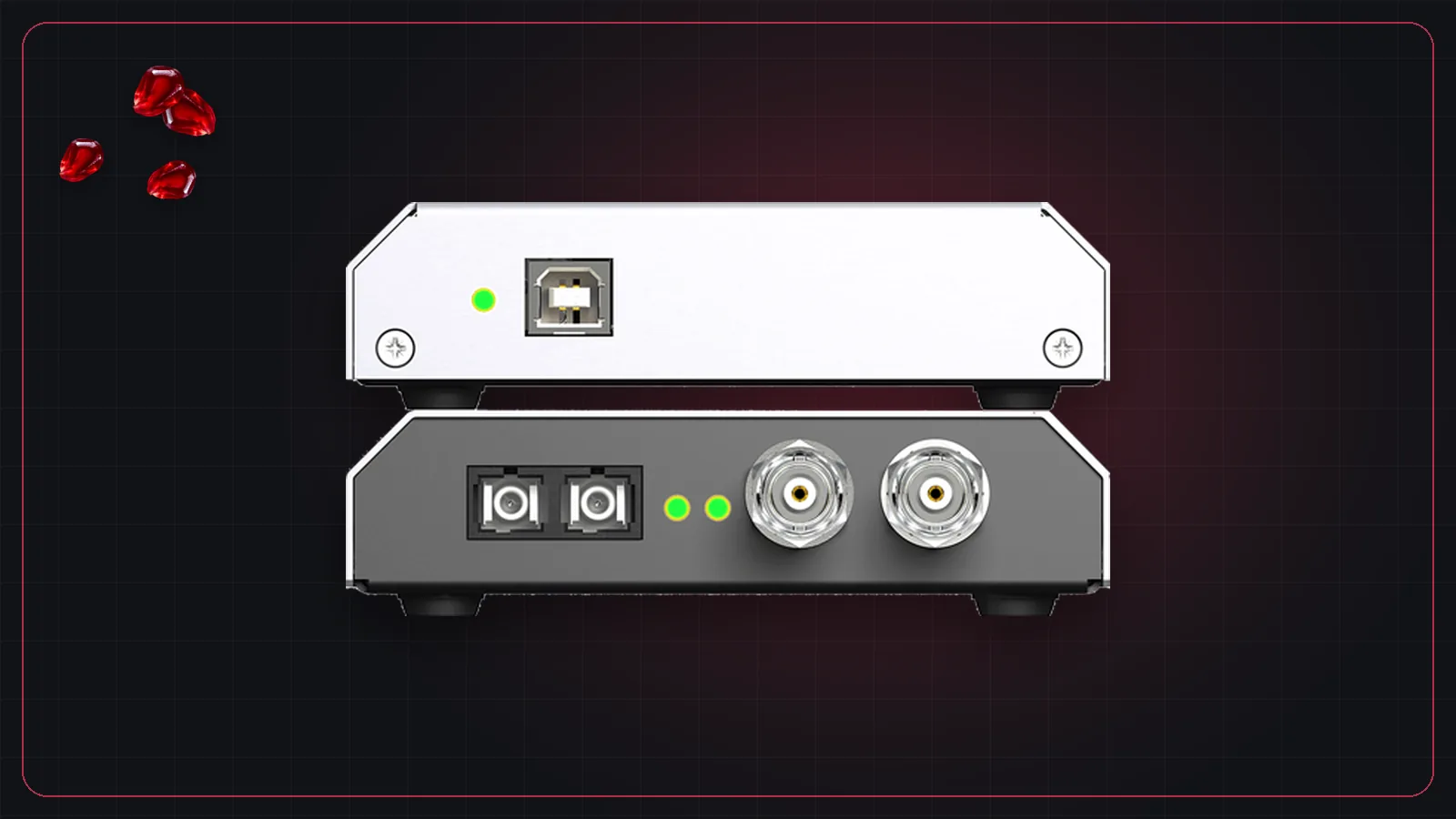
- MADI is a point-to-point cable. One link carries 64 channels at 48 kHz from one device to another. Nothing to configure, nothing in between.
- Dante is a network. Every device plugs into Ethernet switches, and any channel can go to any device, set up in software.
Side by side
| MADI | Dante | |
|---|---|---|
| Cable | 75-ohm coax (BNC) or optical fiber (SC) | Standard Ethernet, through switches |
| Channels | 64 at 48 kHz, 32 at 96 kHz, per link | Set by each device; the network carries far more |
| Distance | About 100 m coax, about 2 km optical (per RME) | Ethernet distances between switches; fiber for longer runs |
| Routing | Fixed links; route inside the devices | Any to any, in Dante Controller |
| Latency | Direct link, no network | 1 ms default device latency, down to 150 µs |
| Redundancy | Dual inputs with automatic failover on many devices | Secondary network on a second port |
| Clock | Word clock, or recovered from the MADI signal | PTP over the network |
| Computer | Needs a MADI interface | Dante Virtual Soundcard (software) or a Dante interface |
When MADI makes more sense
- Linking two things. Console to plugin computer, console to recorder, stage to front of house. A MADI pair is simple and hard to get wrong.
- You want no network. No switches to configure, no IP addresses, no QoS settings.
- Your console already has it. Many touring consoles ship with MADI ports or common MADI cards.
When Dante makes more sense
- Many devices sharing audio. Stage boxes, FOH and monitor consoles, a recorder and a broadcast feed can all see the same inputs.
- Flexible routing. Changing a route is a click in Dante Controller, not a cable change.
- Installed systems, where the venue's network infrastructure is already in place.
For a plugin computer
For a computer running plugins on a show, the transport matters less than the audio interface and its driver. What decides the latency you get is the buffer size the computer can run reliably, plus the interface's converter and driver overhead. See latency in live sound.
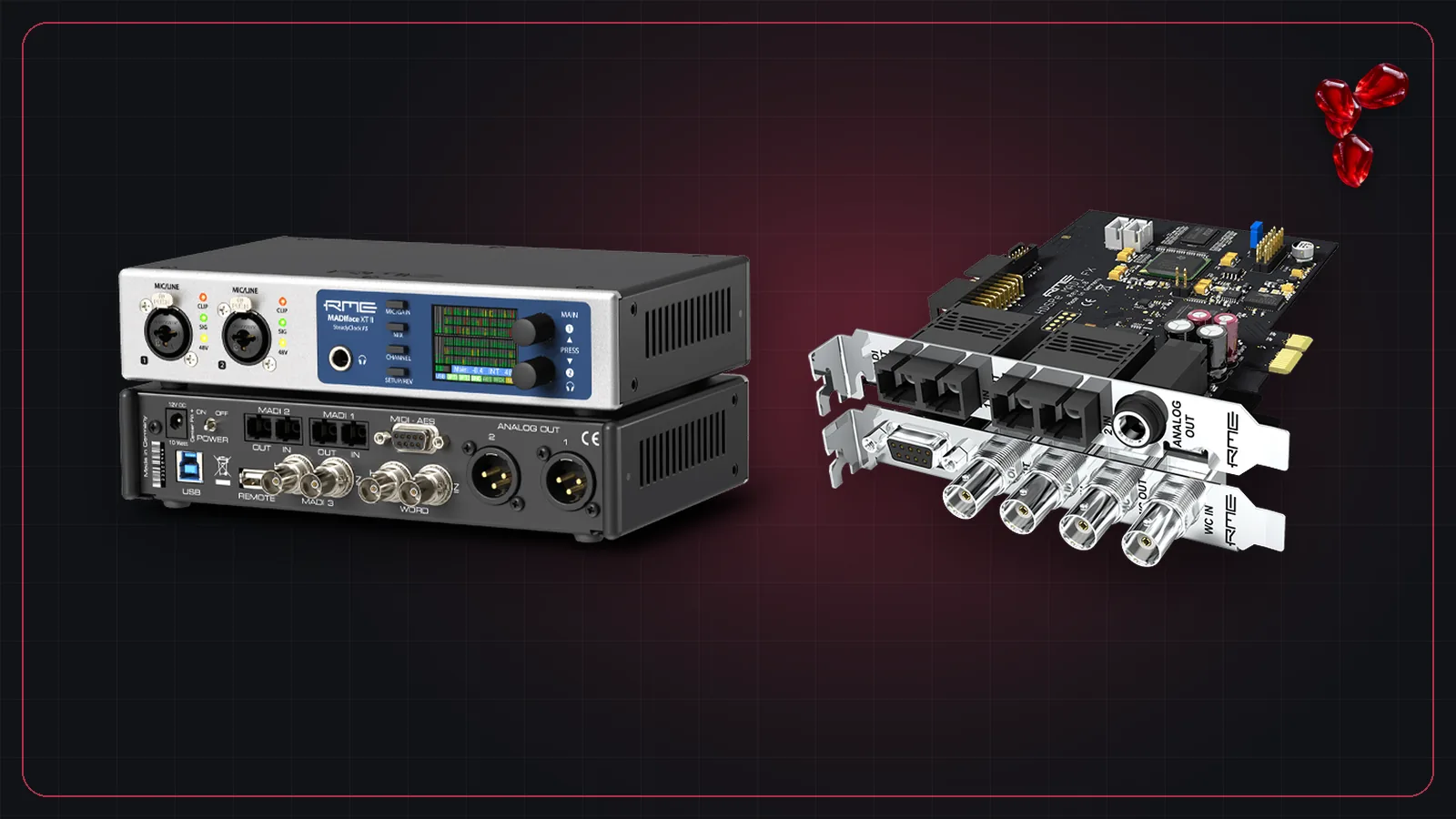
With MADI you'll use a hardware MADI interface; our guide to RME MADI interfaces covers the main options. With Dante you can start with Dante Virtual Soundcard, which is cheap but starts at 4 ms of buffering, or use a hardware Dante interface for lower latency.
Frequently asked questions
Is Dante replacing MADI?
Dante is growing fast, but MADI is still built into or available for most professional consoles and is widely used for point-to-point links. Many rigs use both, with converters between them.
Which has lower latency, Dante or MADI?
Both can be very low. Dante hardware defaults to 1 ms device latency and can go down to 150 µs. MADI is a direct point-to-point link with no network in between. For a plugin computer, the audio interface and buffer size usually matter more than the transport.
Can I convert between Dante and MADI?
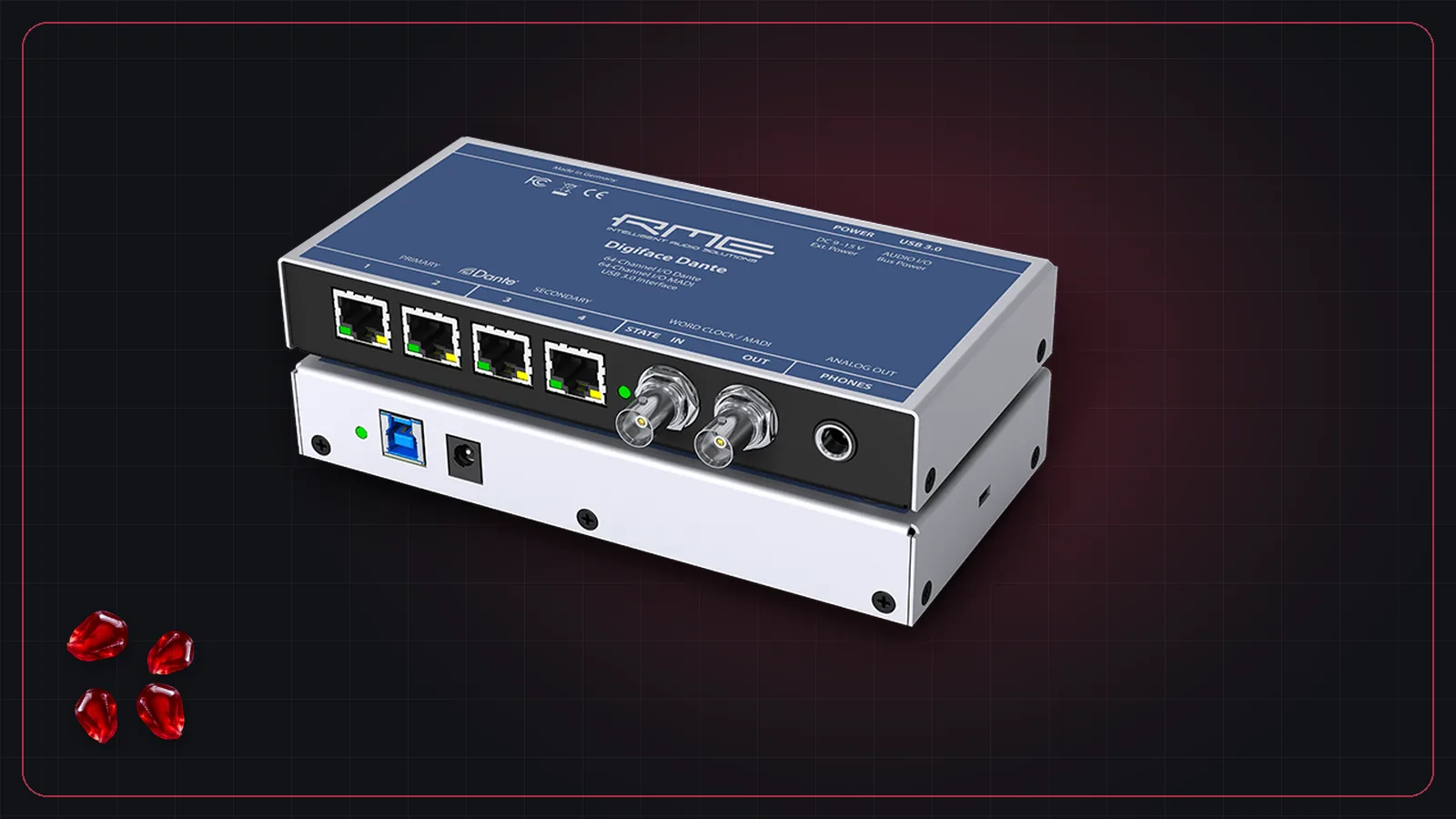
Yes. Several devices bridge the two, for example RME's Digiface Dante, which has Dante and MADI ports and can run as a stand-alone converter.