· The Pomegranate team · 7 min read
RME MADI interfaces for live plugin hosting: MADIface, HDSPe and Digiface
A guide to RME's MADI interfaces, MADIface USB, MADIface XT II, HDSPe MADI FX and Digiface Dante, and how to choose one for running plugins live.
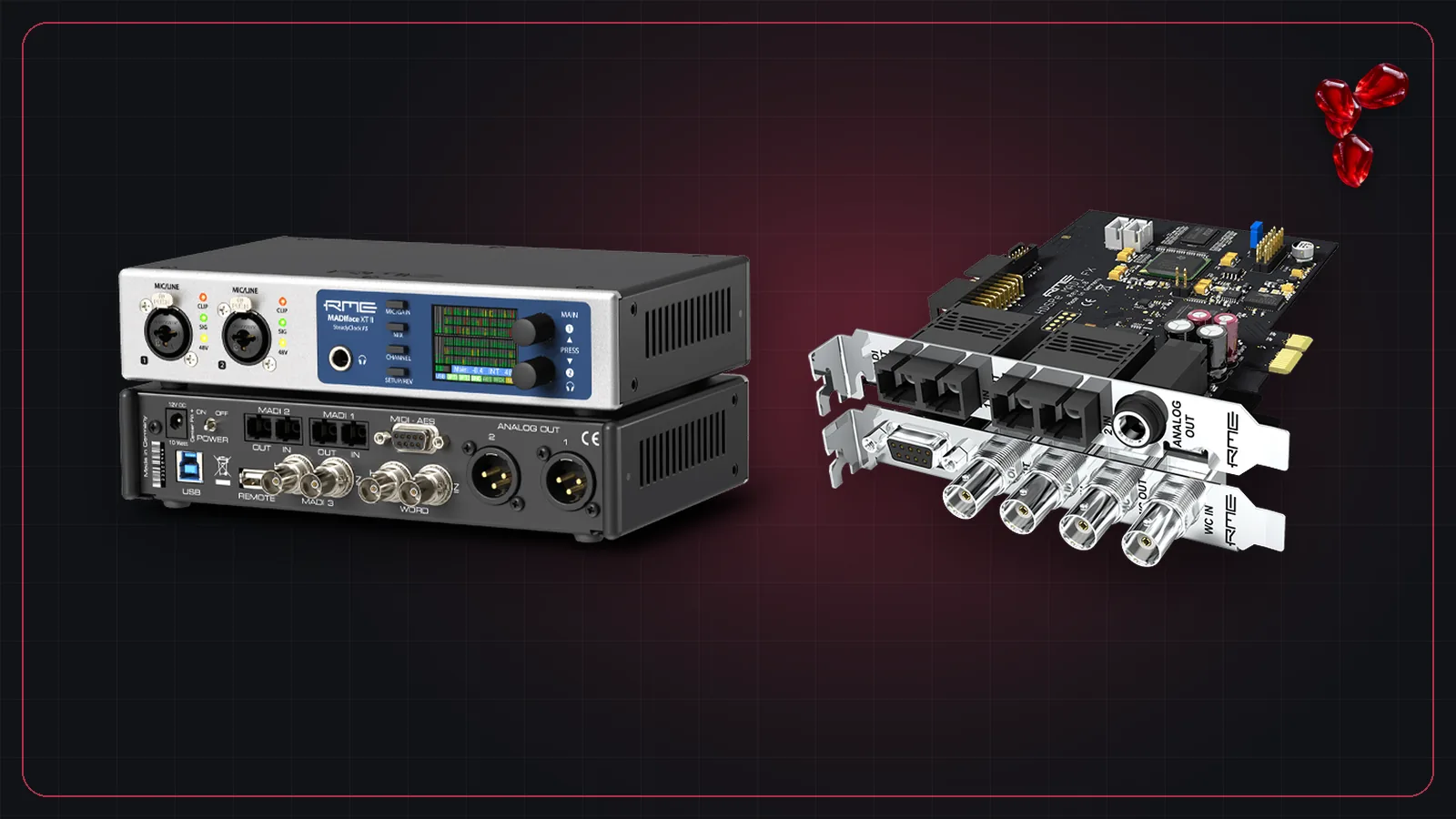
If you're connecting a computer to a console over MADI, you need a MADI audio interface. RME, a German maker of audio interfaces, has one of the longest-running MADI lineups, and its interfaces are a common choice for plugin computers. Here's how the current range compares.
The current lineup
RME's MADI solutions page lists these computer interfaces:
| Interface | Connection | MADI ports | Highlights |
|---|---|---|---|
| MADIface USB | USB 2.0, bus-powered | 1 optical + 1 coax | 64 channels to the computer, redundancy with AutoSelect, works stand-alone as a converter or repeater |
| MADIface XT II | USB 3.0 | 2 optical + 1 coax | 64 channels per port at 48 kHz, SteadyClock FS, class-compliant mode |
| HDSPe MADI FX | PCIe card | 2 optical + 1 coax | 192 channels each way at 48 kHz, Seamless Redundancy, onboard effects in TotalMix FX |
| Digiface Dante | USB 3.0 | 1 coax, plus 4 Gigabit Dante ports | 64 Dante channels plus MADI, works stand-alone as a Dante–MADI converter |
RME also offers the HDSPe MADI card and the HDSPe AoX-D PCIe card with optional MADI boards, plus converters and mic preamps with MADI outputs.
MADIface USB: the compact option
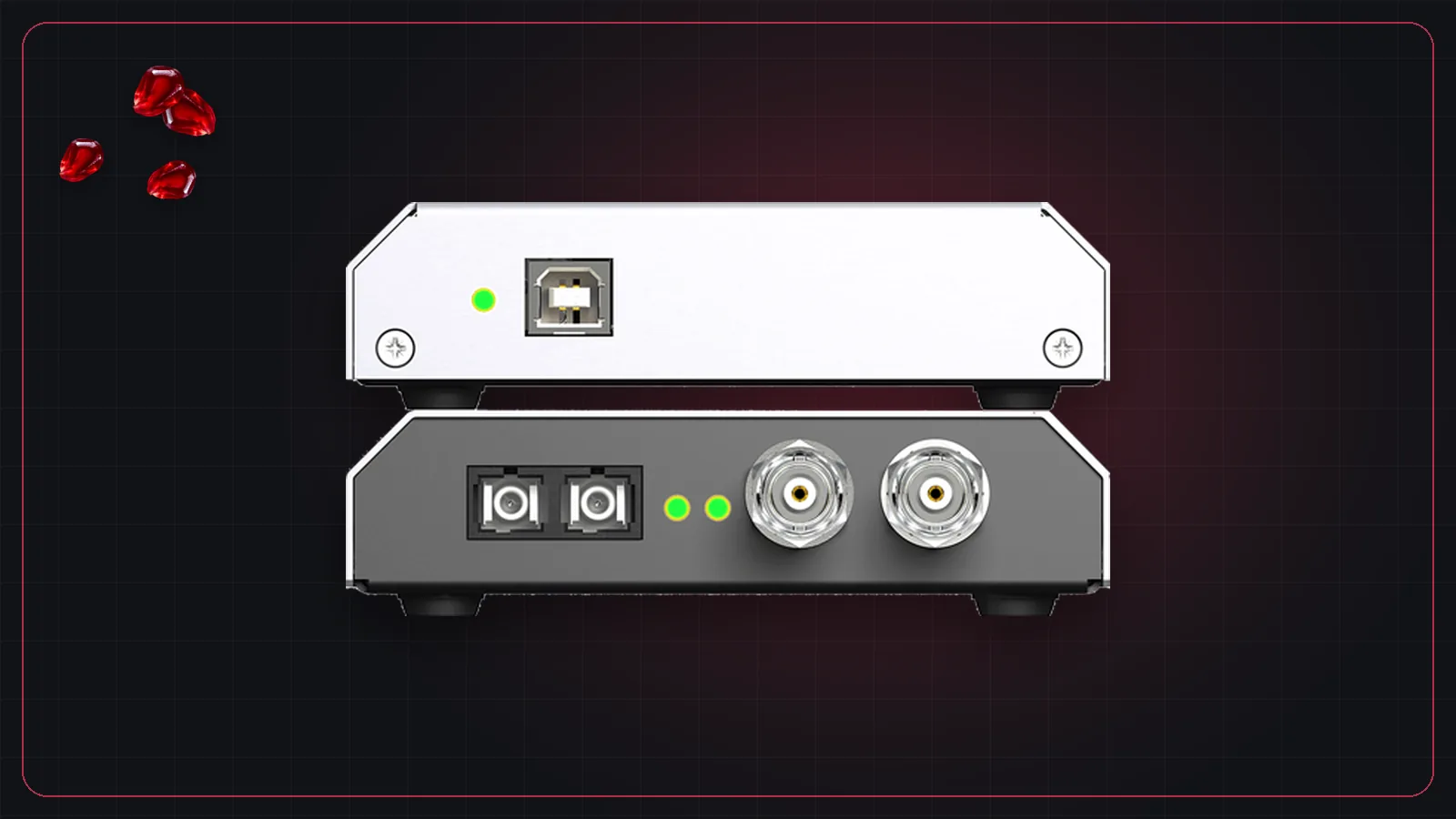
The MADIface USB is small and powered from the USB port, which makes it easy to tour with a laptop. It has one optical and one coax MADI port that can be used at the same time, and it can switch between them automatically if one input fails. For a single 64-channel plugin loop to a console, it covers the job.
MADIface XT II: more ports and channels
The MADIface XT II uses USB 3.0 and has three MADI ports, each carrying 64 channels at 48 kHz. That leaves room for a second console, a recorder or redundant links. It uses RME's SteadyClock FS clock and has ASIO and WDM drivers for Windows 10 and 11 (including Arm) and a DriverKit driver for macOS 11 and later.
HDSPe MADI FX: the PCIe card
For a desktop or rack-mount computer with a free PCIe slot, the HDSPe MADI FX puts three MADI ports on a card. RME says it supports latencies down to 32 samples on modern computers, and its Seamless Redundancy Operation keeps audio running if one MADI input drops.
Digiface Dante: Dante and MADI in one box
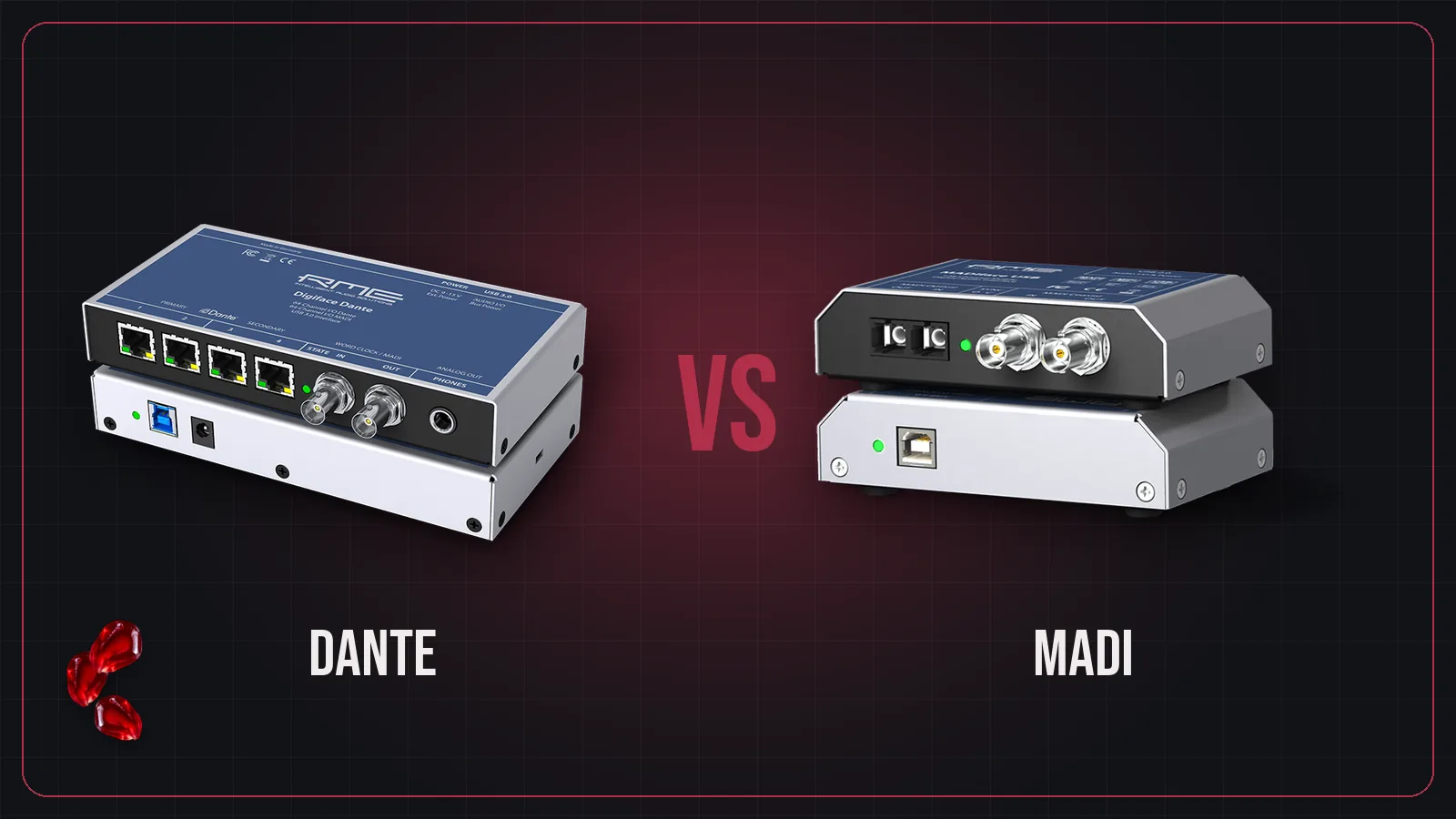
If your system uses Dante as well as MADI, the Digiface Dante gives the computer 64 Dante channels and a MADI port, and can run on its own as a Dante–MADI converter. See Dante vs MADI for when that helps.
TotalMix FX
Every RME interface uses TotalMix FX, RME's routing and mixing software. For a plugin rig you'll mostly use it to check that the MADI signal is locked and to route the MADI inputs and outputs to the computer. Keep the routing simple: console channels in, plugin returns out.
Latency
Latency depends on your computer and buffer size as much as the interface. As an independent reference, MathWorks measured an RME MADIface USB over ASIO at 96 kHz:
| Buffer | Measured round trip |
|---|---|
| 64 samples | 2.30 ms |
| 128 samples | 2.97 ms |
| 256 samples | 4.30 ms |
For how those numbers come about, see latency in live sound.
Using an RME interface with Pomegranate
- Connect the console's MADI output to the interface's MADI input, and the interface's MADI output back to the console.
- Set the clock. Usually the console is the clock master and the interface follows the incoming MADI signal.
- Install RME's driver, choose the interface in Pomegranate, and set the buffer size.
- Patch MADI inputs to channels and channels back to MADI outputs in Pomegranate's I/O grid.
Frequently asked questions
Which RME MADI interface should I get for a laptop?
The MADIface USB is bus-powered with one optical and one coax port and 64 channels to the computer. The MADIface XT II uses USB 3.0, has three MADI ports and many more channels. Both have ASIO drivers for Windows and drivers for macOS.
What is the difference between MADIface USB and MADIface XT II?
MADIface USB is a compact USB 2.0, bus-powered interface with one optical and one coax MADI port. MADIface XT II uses USB 3.0, has two optical and one coax MADI port, and supports many more channels and RME's SteadyClock FS clock.
What latency can an RME MADI interface reach?
MathWorks measured an RME MADIface USB over ASIO at 96 kHz at 2.30 ms round trip with a 64-sample buffer. Real results depend on your computer and settings.