· The Pomegranate team · 7 min read
Building a live vocal chain with plugins
A practical plugin chain for live vocals: feedback control, EQ, tuning, de-essing, compression and effects, with zero-latency picks and the order to put them in.
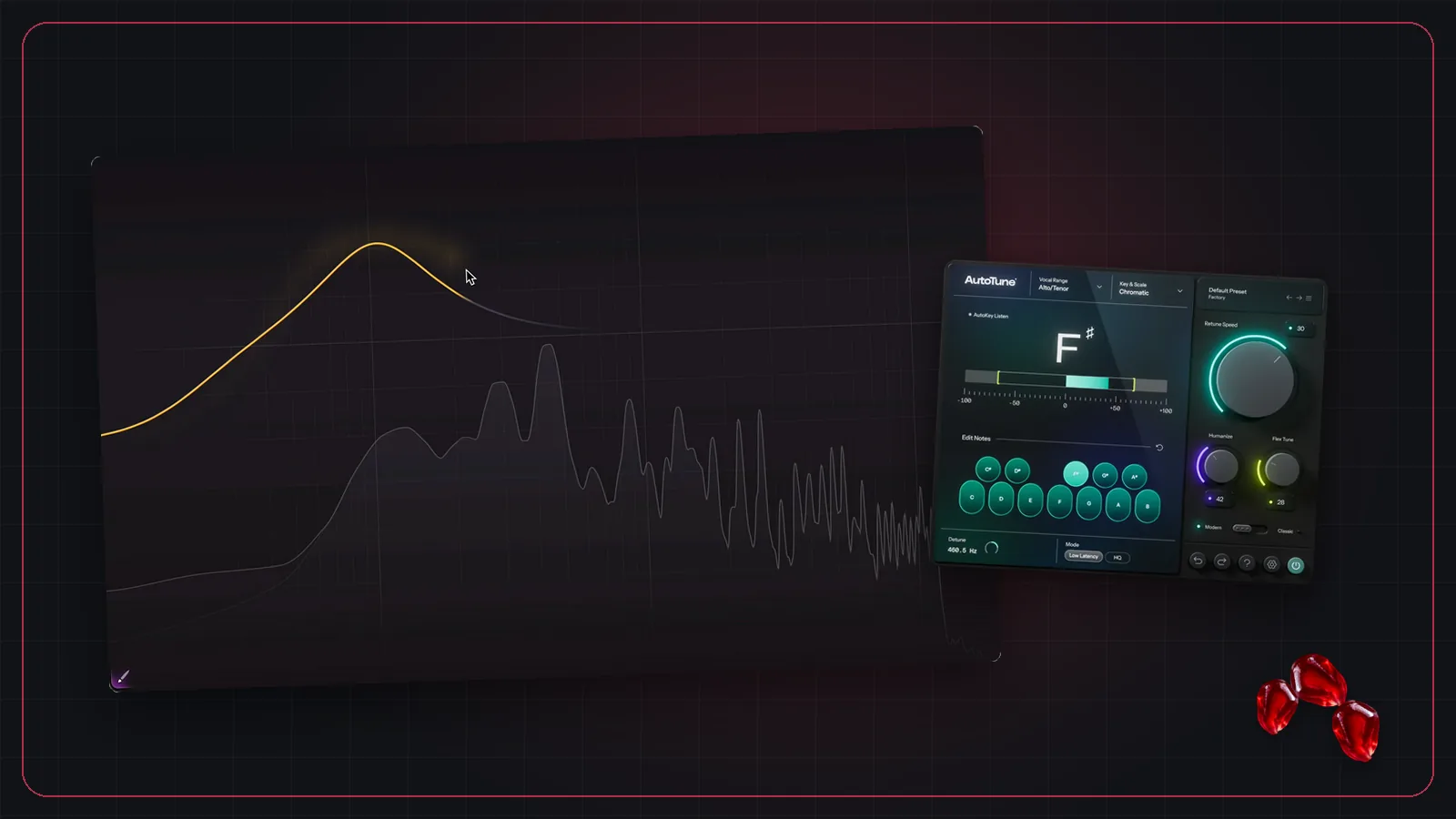
Vocals are where most engineers want their own plugins live. The voice is the center of the mix, every singer is different, and the studio tools you trust on a record are often better than a console's built-in processing. Here's a chain that works for most live vocals, and why each piece sits where it does.
The chain, in order
- Feedback control. On hard mics (lavaliers, quiet singers, loud wedges), an AI tool such as Alpha Labs De-Feedback goes first, so nothing after it reacts to feedback or room sound.
- Corrective EQ. High-pass to remove rumble and handling noise, and cut any harsh resonances in the mic or the singer's voice.
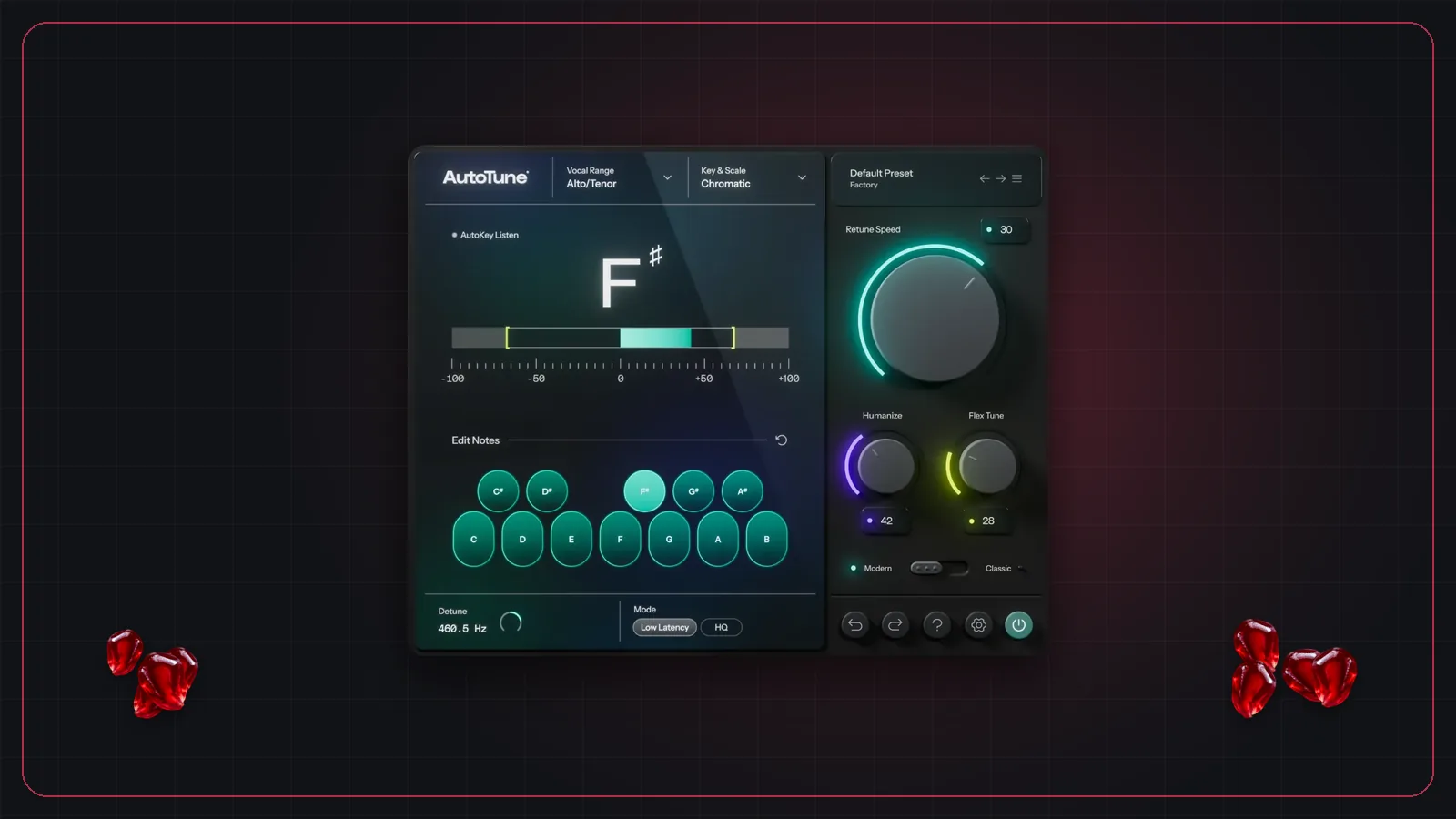
- Pitch correction, if used. Tuners track best on a clean, dry signal. See using Auto-Tune live.
- De-esser. Tame "s" and "t" sounds before the compressor makes them louder.
- Compression. Even out level so the vocal sits in the mix through quiet verses and loud choruses.
- Tone. A broad EQ or a little saturation to shape the character of the voice.
- Effects on aux buses. Delay and reverb on their own aux strips, fed by sends from the vocal.
Plugins that work well live
Here are some popular choices, all available as VST3. The common thread is zero or near-zero latency, which matters on channels that feed in-ear monitors.
| Plugin | Job | Notes |
|---|---|---|
| Alpha Labs De-Feedback | Feedback, room and noise reduction | Voices only; needs a lot of CPU |
| FabFilter Pro-Q 4 | Corrective and dynamic EQ | Has a zero-latency mode |
| Waves F6 | Dynamic EQ | 0 samples latency, per Waves |
| Antares AutoTune | Pitch correction | Use the Live or Low Latency mode |
| Waves Sibilance | De-esser | 0 samples latency without look-ahead |
| FabFilter Pro-DS | De-esser | Look-ahead is optional; leave it off live |
| Waves CLA-76 | FET-style compression | 0 samples latency, per Waves |
| Soundtoys EchoBoy | Delay | Use on an aux bus |
Effects: use aux buses
Put reverb and delay on aux buses, not on the vocal channel. One reverb can serve every vocal. The dry vocal stays clean for the monitor mixes, and you control how much effect each mix gets with sends. In Pomegranate, sends to each aux can be Pre or Post fader, and sends on fader lets you set them from the faders.
Keep it the same every night
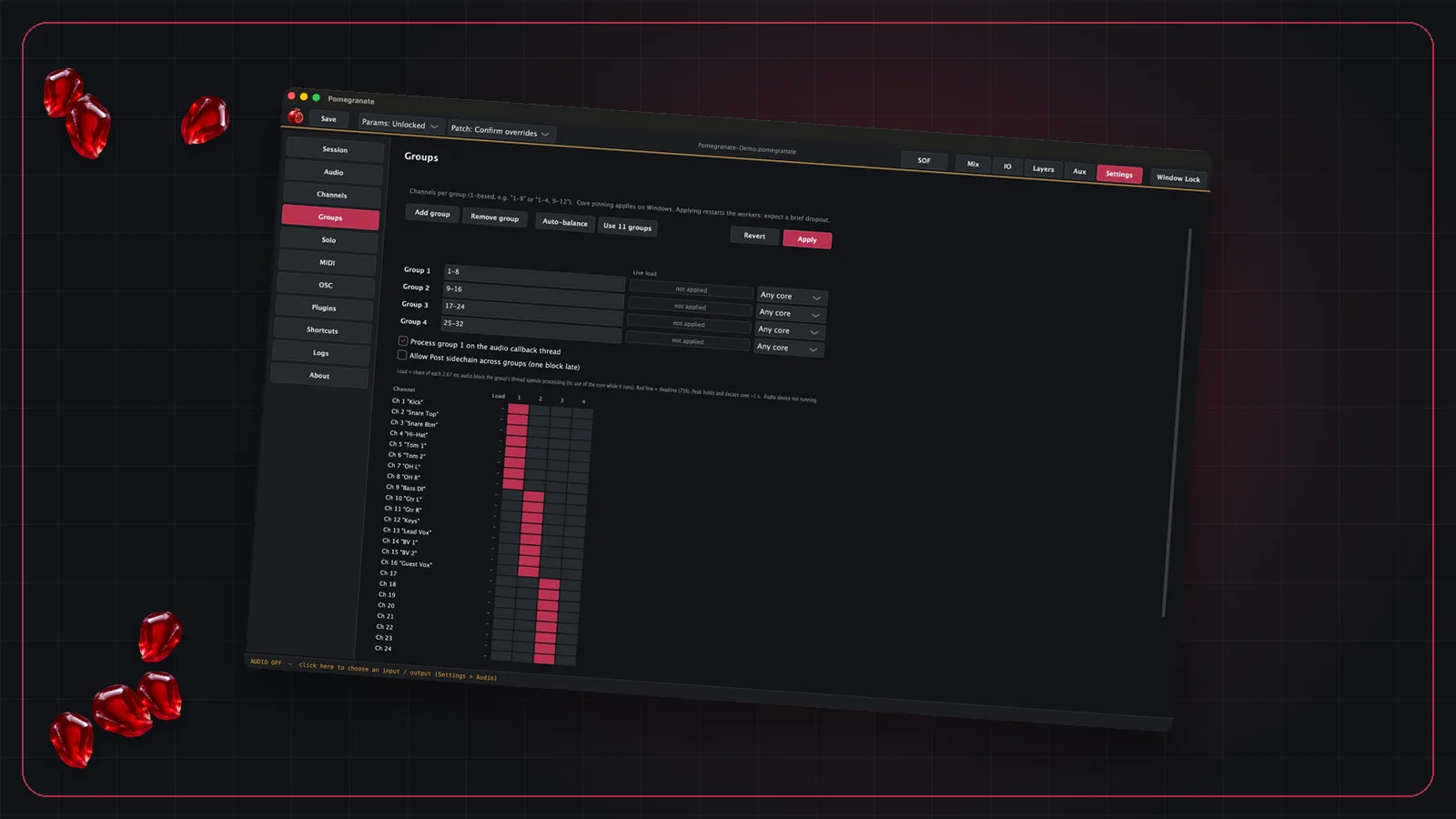
A good vocal chain is one you can rely on at every show, so build it carefully once and save it with your session. In Pomegranate, show locks protect the settings once you're happy, solo after any plugin lets you check each stage of the chain on headphones, and if a plugin crashes, the report names the channel and plugin.
New to running plugins live? Start with our guide to live plugin hosting.
Frequently asked questions
What order should live vocal plugins go in?
A common order is: feedback suppression, corrective EQ, pitch correction, de-esser, compression, tone EQ or saturation, then delay and reverb on aux sends. Adjust to taste, but keep cleanup and tuning before dynamics.
Should I use linear-phase EQ on live vocals?
Usually not. Linear-phase EQs add latency. Use a zero-latency or minimum-phase EQ on channels that feed in-ear monitors.
Should reverb and delay go on the vocal channel?
Put them on aux buses instead and send the vocal to them. You can share one reverb between several vocals, keep the dry vocal clean for monitors, and control the effect level separately.