· The Pomegranate team · 7 min read
Alpha Labs De-Feedback: AI feedback suppression for live vocals
What Alpha Labs De-Feedback does, how it differs from notch-filter suppressors, its latency, formats and price, and how to run it in a live plugin host.
Feedback is the oldest problem in live sound. A microphone picks up a speaker, the speaker plays it louder, and the loop runs away into a howl. For decades the fix has been EQ cuts, notch filters and careful mic placement. De-Feedback, from Alpha Labs, takes a different approach: it uses a trained model to separate the voice from the feedback and remove the feedback.
What De-Feedback does
Alpha Labs describes the plugin as "A.I. zero-latency gain before feedback + dereverb + denoise." In practice it does three jobs on a live mic:
- More gain before feedback, so you can push a quiet talker or a lavalier mic louder before it rings.
- Dereverb, which largely removes the sound of the room picked up by the mic.
- Denoise, which reduces background noise.
The company is Alpha Labs LLC, based in Salem, Oregon. Its product page is alphalabsaudio.com/defeedback, and the defeedback.ai address redirects there.
How it differs from a notch-filter suppressor
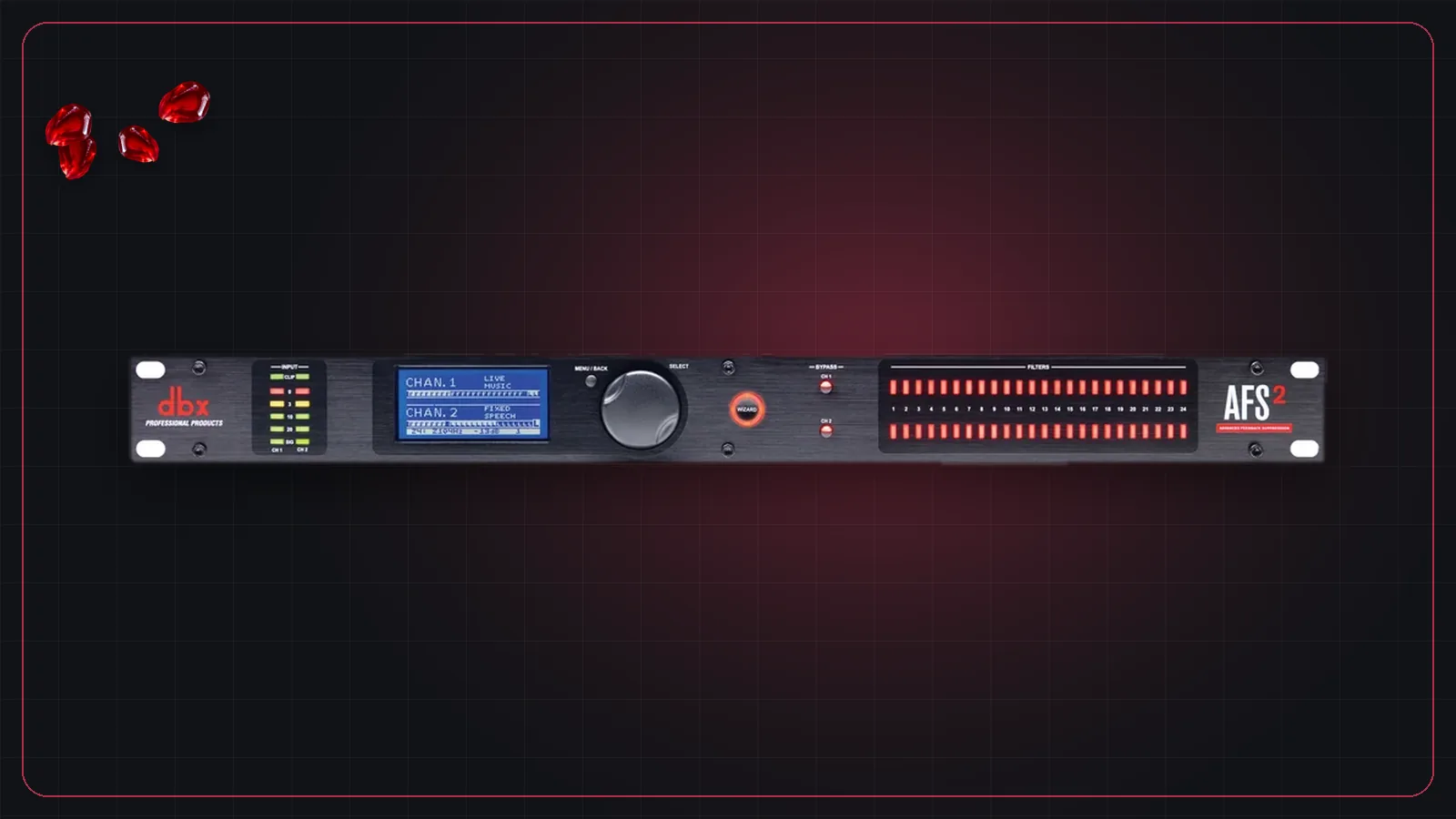
A traditional automatic feedback suppressor, such as the dbx AFS2, listens for a frequency that is ringing and drops a very narrow notch filter on it. That works, but every notch removes a little of the sound, and the suppressor has to hear the feedback start before it can act. We cover that approach, and how to ring out a system by hand, in how to stop feedback in live sound.
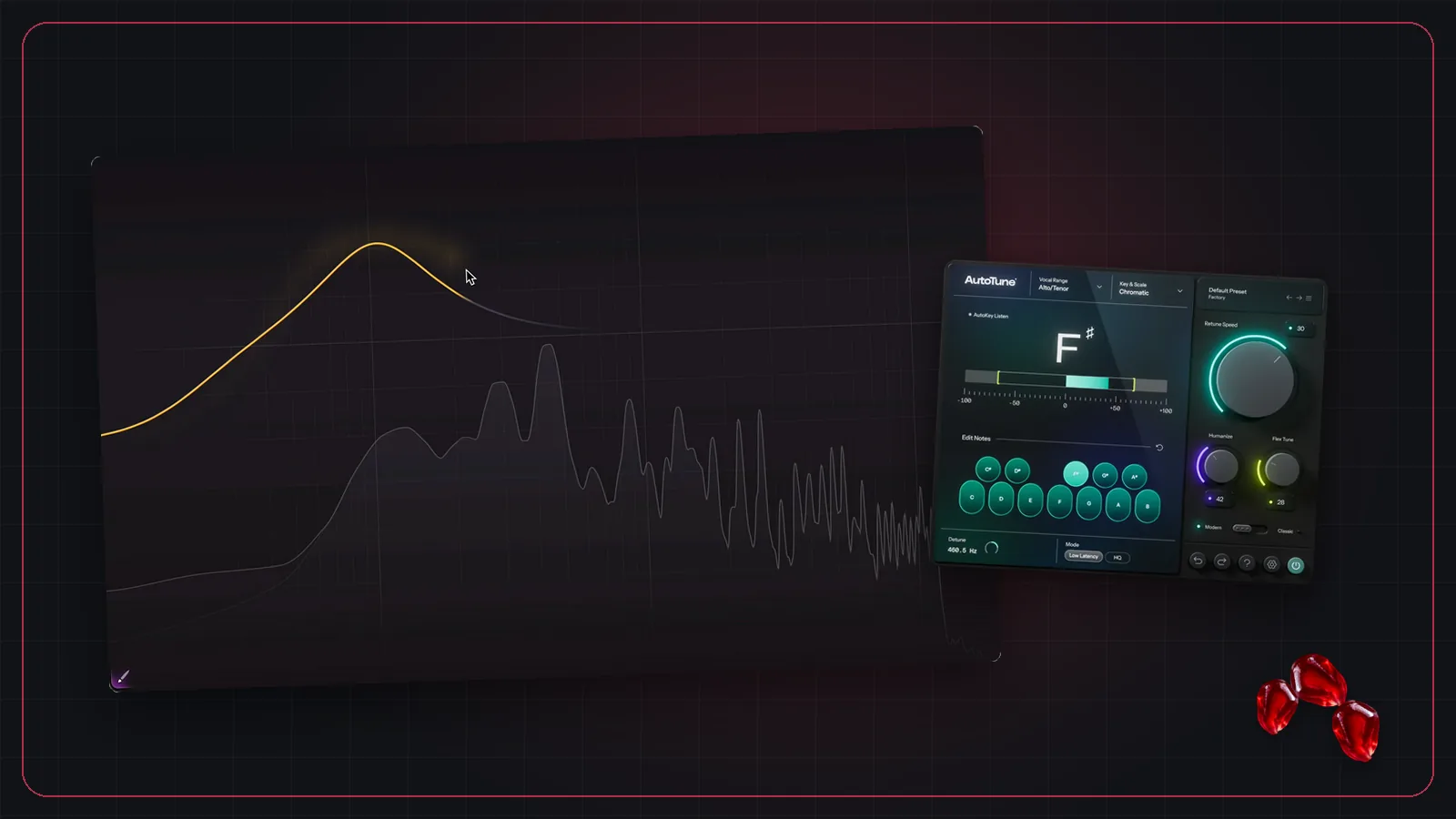
Alpha Labs says De-Feedback was built to deal with feedback "without destroying the sound through ridiculous EQ dips and annoying volume thresholds/gates," and that it "largely reduces the need to burn EQ bands." It is not a bank of notches. You may still do some ringing out, but far less.
Where it works best, and its limits
Alpha Labs is clear about what the plugin is for:
- It works best on single speaking or singing voices. Use it on vocal, presenter and lavalier mics.
- It can be destructive to instruments, so keep it off guitars, drums and keys.
- It is not linear phase, and it processes 100 Hz to 22 kHz.
- It works less well when the mic is closer than about 6 feet to a loudspeaker, and very high gain can still beat it or cause ringy artifacts.
Latency
Alpha Labs says the plugin itself runs at zero latency, so what you hear is the latency of your computer and audio interface. They publish round-trip figures for several complete systems:
| System (per Alpha Labs) | Round trip |
|---|---|
| Waves SuperRack LiveBox | 3–5 ms |
| Alpha Labs' NUC and Focusrite box, 16 samples at 48 kHz | 4.9 ms |
| Fourier transform.engine | about 5 ms |
| Yamaha DM3 / DM7 over USB | just under 6 ms |
| Mac with Dante Virtual Soundcard | about 6.8 ms |
Those numbers come mostly from the buffer size and the audio interface. If you're not sure what they mean for performers, see latency in live sound.
CPU: plan for a lot of it
This is the part to take seriously. Alpha Labs warns that most computers won't handle the plugin's very high CPU load, and that how many instances you can run depends on your CPU and buffer size. They list Waves SuperRack LiveBox and Fourier transform.engine as verified hardware.
For a sense of scale, Fourier Audio reports running six instances on its transform.engine at a 64-sample buffer at 48 kHz. Audio engineer Andrew "Fletch" Fletcher used a beta on a DiGiCo Quantum338 for the Survivor 50 live finale, with up to 24 open lavalier mics, and said: "I'm always stunned by how little EQ I need when using De-Feedback." (Source: Fourier Audio.)
Formats, licensing and price
According to Alpha Labs:
- Formats: VST3 on Windows and Mac, and AU on Mac. No AAX is listed. The Mac version was labeled beta as of version 1.1.3.
- Price: $499 for a perpetual version 1.x license, with free patches but not major upgrades. All sales are final.
- License: one license covers Mac and Windows and is tied to a machine's hardware ID. Transfers are unlimited and offline activation is supported.
- Trial: the plugin runs without activation, with periodic audio dropouts.
Running De-Feedback in Pomegranate
Because De-Feedback is a VST3 plugin, you load it in Pomegranate like any other: find it in the plugin browser, drop it on a vocal channel, and put it early in the chain, before compression, so the compressor isn't reacting to feedback. The signal comes to the computer from your console over MADI or Dante and returns processed.
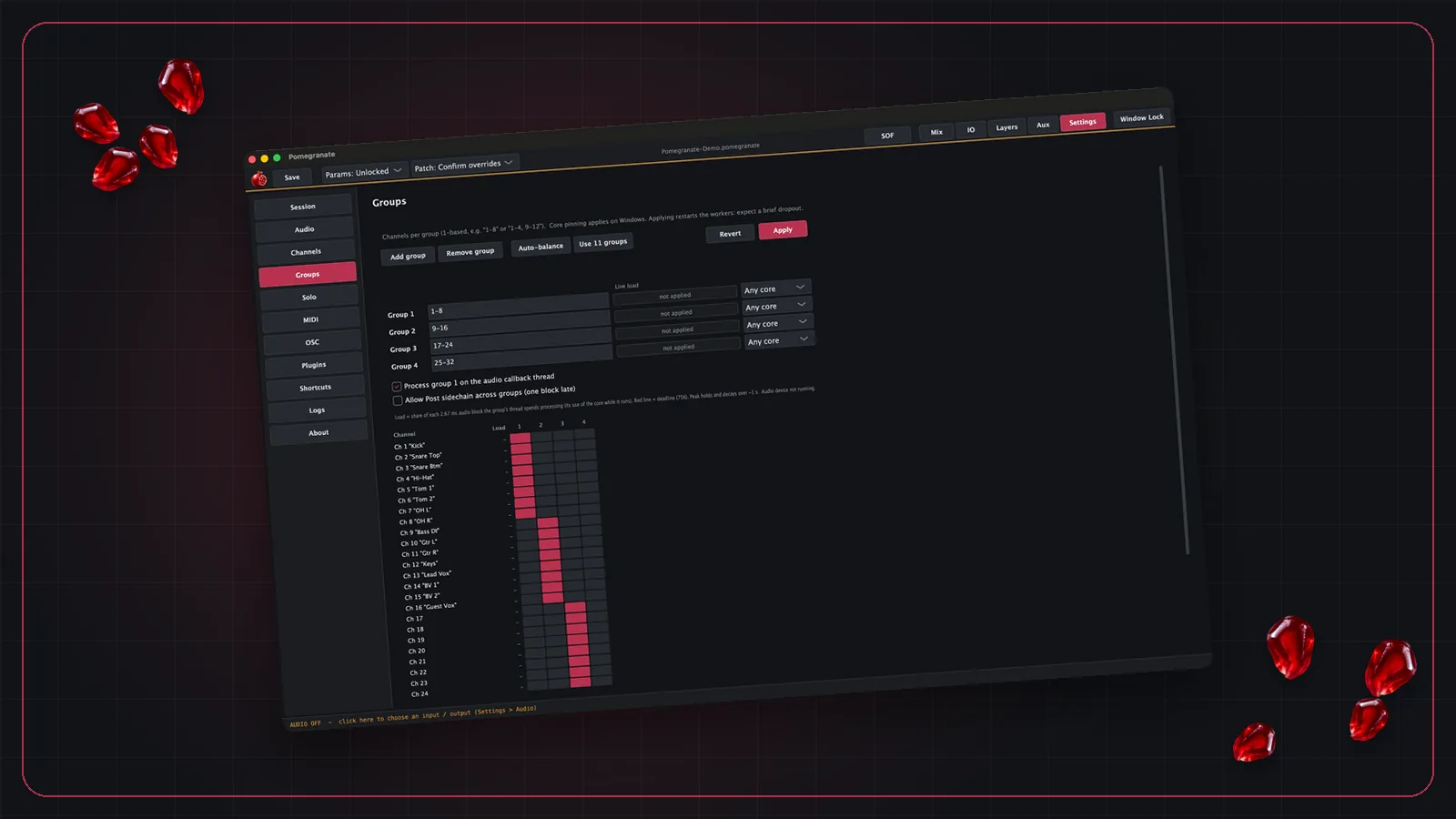
Two Pomegranate features help with a CPU-hungry plugin like this. Thread groups spread channels across CPU cores, so one heavy channel doesn't starve the rest. And solo after any plugin lets you hear exactly what De-Feedback is doing to a mic on a separate output, without touching the main mix.
Pomegranate hosts plugins you already own; it doesn't include them. For the rest of a vocal chain, see building a live vocal chain with plugins.
Frequently asked questions
What is De-Feedback?
De-Feedback is a plugin from Alpha Labs that uses AI to suppress acoustic feedback on live microphones. Alpha Labs describes it as zero-latency gain before feedback, plus dereverb and denoise.
How much does Alpha Labs De-Feedback cost?
Alpha Labs lists a $499 perpetual license for version 1.x, covering both Mac and Windows on one machine, with free patches and unlimited license transfers. Check the Alpha Labs site for current pricing.
What formats does De-Feedback come in?
VST3 on Windows and Mac, and AU on Mac. Alpha Labs does not list an AAX version. The Mac version was labeled beta as of version 1.1.3.
Does De-Feedback work on instruments?
Alpha Labs says it works best on single speaking or singing voices and can be destructive to the sound of instruments. Use it on vocal and speech mics.
Does De-Feedback add latency?
Alpha Labs says the plugin itself runs at zero latency, so the delay you get comes from your computer and audio interface. Their published round-trip figures for complete systems range from about 3 to 7 ms.