· The Pomegranate team · 7 min read
What is MADI? A practical guide for live sound
MADI (AES10) carries up to 64 channels of audio on one coax or optical cable. How it works, channel counts, cable lengths, clocking and why live consoles use it.
MADI, the Multichannel Audio Digital Interface, sends dozens of channels of uncompressed digital audio down a single cable. It's been around since the early 1990s and it is still one of the most common ways to connect digital consoles, stage boxes, recorders and computers.
A short history
MADI was first documented as the AES10 standard in 1991, developed by AMS Neve, Solid State Logic, Sony and Mitsubishi. It was designed to link large studio consoles to digital multitrack recorders, and found a long second life in broadcast facilities and live sound. The standard was revised in the early 2000s to add 64-channel operation, and again in 2008.
How many channels
| Sample rate | Channels per MADI link |
|---|---|
| 44.1 / 48 kHz | 64 (or 56 in the original mode) |
| 88.2 / 96 kHz | 32 |
| 176.4 / 192 kHz | 16, on interfaces that support it |
One MADI connection is one direction. A typical setup uses a pair of cables (or one duplex optical cable): 64 channels out of the console and 64 back in.
Coax or optical
MADI runs over two kinds of cable. According to RME:
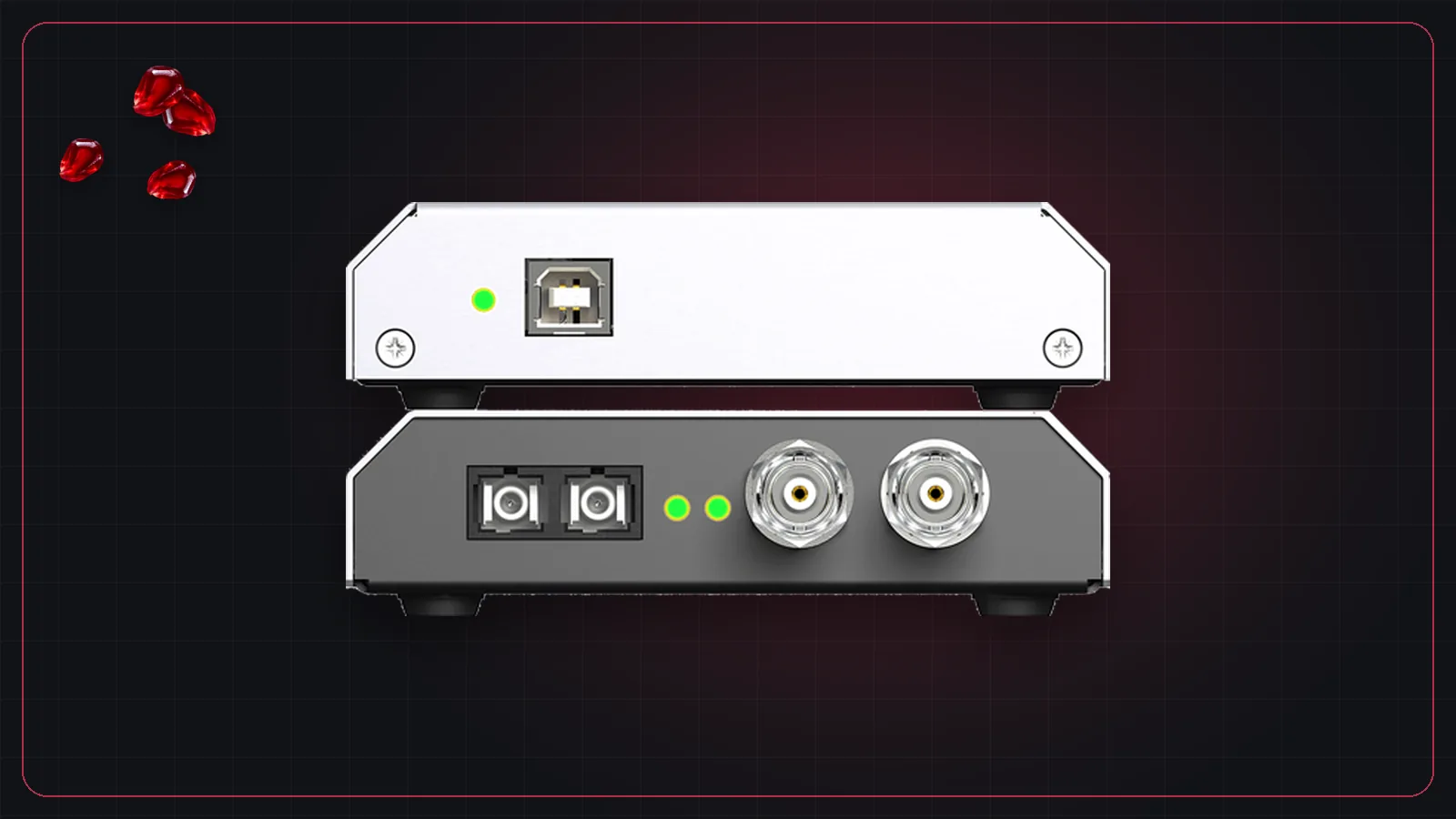
- Coax: 75-ohm cable with BNC connectors, up to about 100 m. The same cable used for video and word clock.
- Optical: multimode fiber with SC connectors, up to about 2 km. Optical also gives you galvanic isolation, which means no ground loops between stage and front of house.
Many interfaces have both, and some can switch to the other input automatically if one fails. RME calls this Safe Mode or Seamless Redundancy, depending on the product.
Clocking
MADI's link runs at a fixed rate that isn't tied to the audio sample rate, so the devices still need to agree on a clock. In many systems a word clock is distributed separately. Many interfaces can also recover clock from the incoming MADI signal, which keeps a simple two-device setup to just the MADI cables.
Why live sound uses MADI
- One thin cable replaces a heavy analog multicore.
- It's lossless over distance. The audio at the far end is the same as at the near end.
- It's predictable. MADI is point-to-point. There is no network to configure and no switch to fail.
- It's everywhere. Most professional digital consoles offer MADI, built in or on an option card.
Using MADI to run plugins
MADI is a natural fit for a plugin computer. The console sends up to 64 channels to a MADI interface connected to the computer; a plugin host processes them, and the interface sends them back.
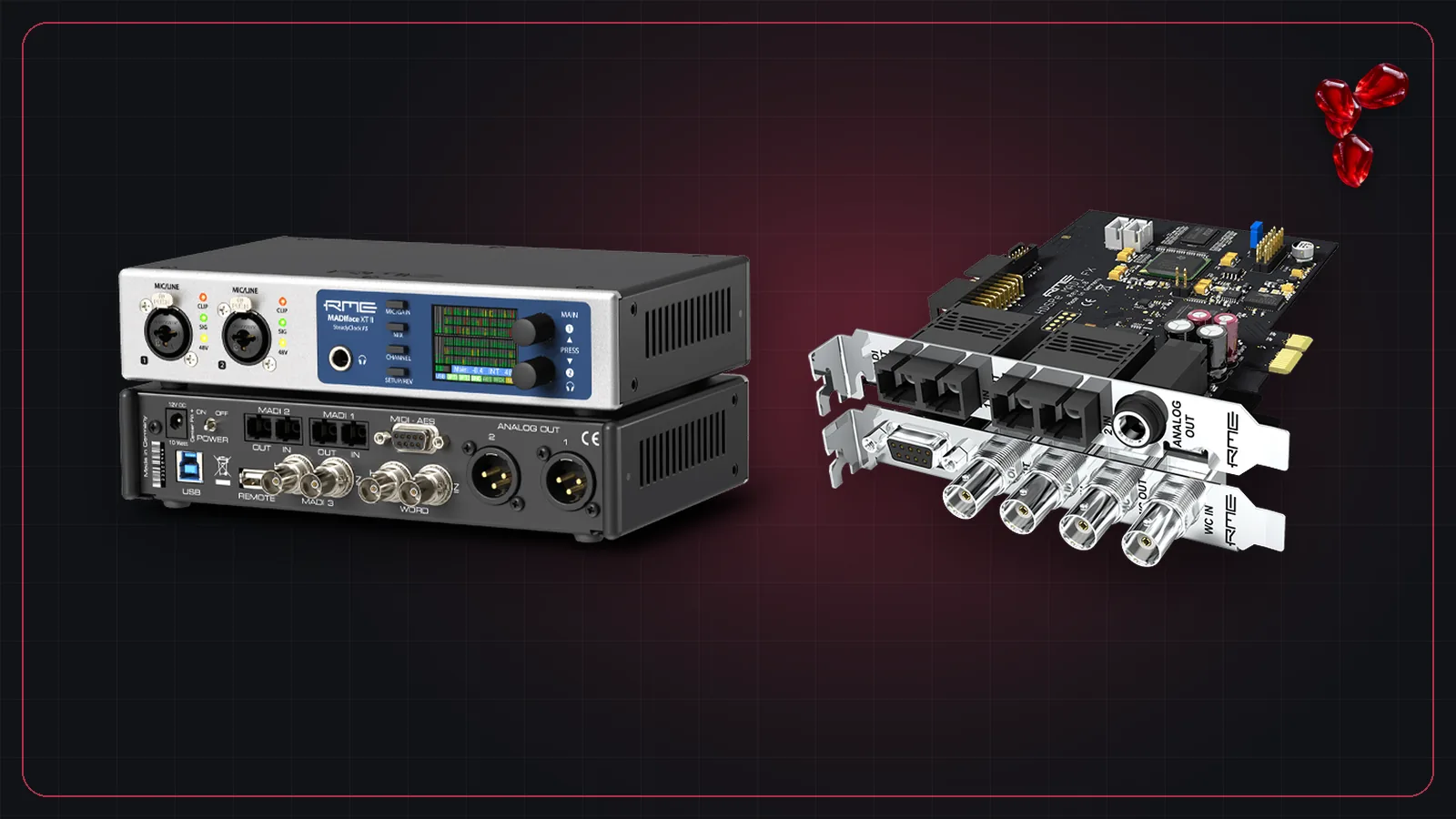
That is the setup Pomegranate is built around. Its I/O grid connects MADI inputs to channels and channels back to MADI outputs, with mono, stereo and mono-to-stereo channels. For the interface itself, see our guide to RME MADI interfaces, and for the full setup, what you need to run studio plugins live.
Further reading: RME's MADI solutions and the AES10 standard.
Frequently asked questions
What does MADI stand for?
MADI stands for Multichannel Audio Digital Interface. It is standardized by the Audio Engineering Society as AES10.
How many channels does MADI carry?
One MADI link carries 64 channels at 44.1 or 48 kHz, or 32 channels at 96 kHz. The original standard defined 56 channels; 64-channel mode was added later.
How long can a MADI cable be?
RME gives up to 100 m for 75-ohm coax with BNC connectors, and about 2 km for multimode optical fiber with SC connectors.
Does MADI need a word clock?
The MADI link clock isn't tied to the audio sample rate, so systems often use a separate word clock. Many interfaces, including RME's, can also recover clock from the incoming MADI signal.
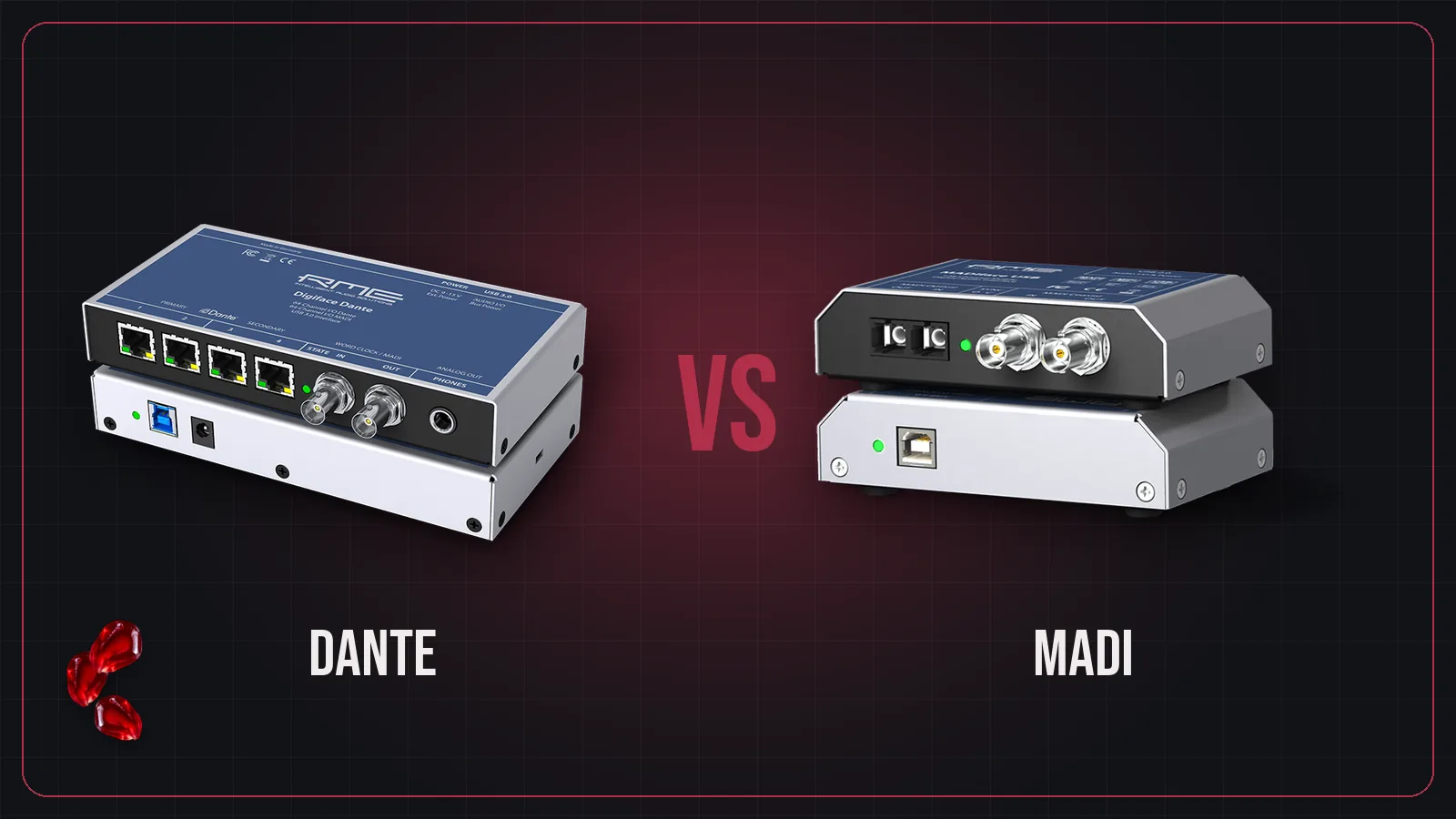
Is MADI better than Dante?
Neither is better everywhere. MADI is simple, point-to-point and very predictable. Dante uses standard Ethernet and routes anything to anything. Many live rigs use both.