· The Pomegranate team · 5 min read
Staying stable through the whole show
How Pomegranate spreads processing across your CPU, keeps channels time-aligned, and protects a running show from accidental changes.
In the studio, a glitch means you stop and run it again. At a show there's no second take. Pomegranate's only job is running plugins live, so most of its design is about keeping the audio going from soundcheck to the last song.
Processing shared across the CPU
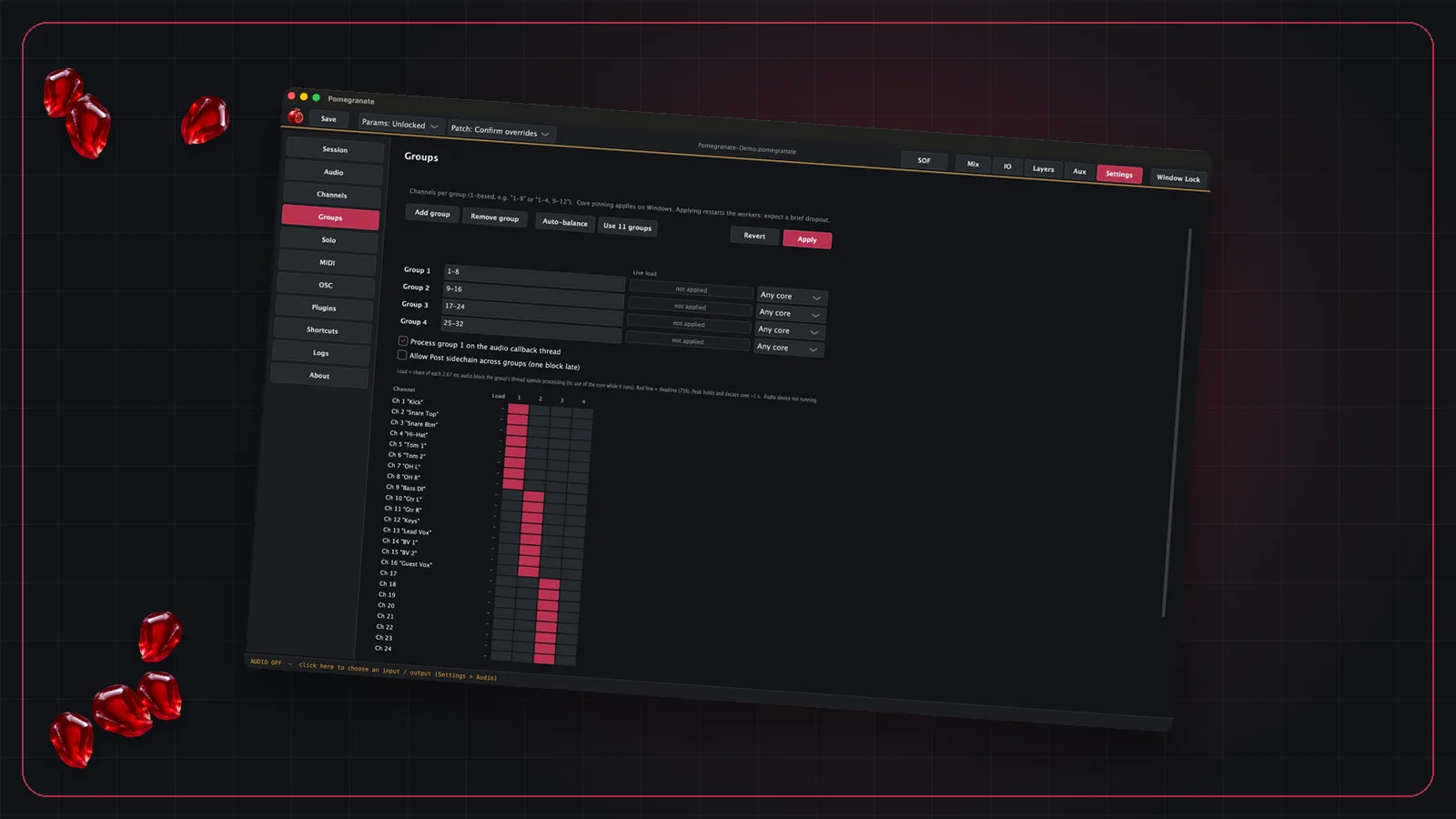
Modern computers have many cores, but a plugin chain only helps if the work is actually spread across them. Pomegranate splits channels into groups that run side by side. You can arrange the groups yourself, or let auto-balance suggest an even split based on the load it has measured.
Latency compensation
Some plugins add delay, such as look-ahead limiters and linear-phase EQs. If one channel is delayed and another isn't, sources that should line up (two mics on a snare, a stereo pair) can drift out of phase. Pomegranate compensates for plugin delay so channels stay lined up.
Show locks
Once the show is set, you can lock parameters and patching before doors open. A stray click or a bumped controller won't change a plugin setting or reroute a channel. Mute keeps working, so you still have the control you need during the show.
Crash reports that name the plugin
When a third-party plugin misbehaves, the most useful thing to know is which one. Crash reports say which channel and which plugin was running, so you can swap or remove the problem plugin instead of guessing.
Solo without touching the mix
You can listen to any channel, or the signal right after any plugin in its chain, on separate outputs. The main mix isn't affected, so you can troubleshoot a channel during the show without the audience hearing it.
For the settings side of stability, see latency in live sound and choosing a computer for live plugins.