· The Pomegranate team · 3 min read
Introducing Pomegranate
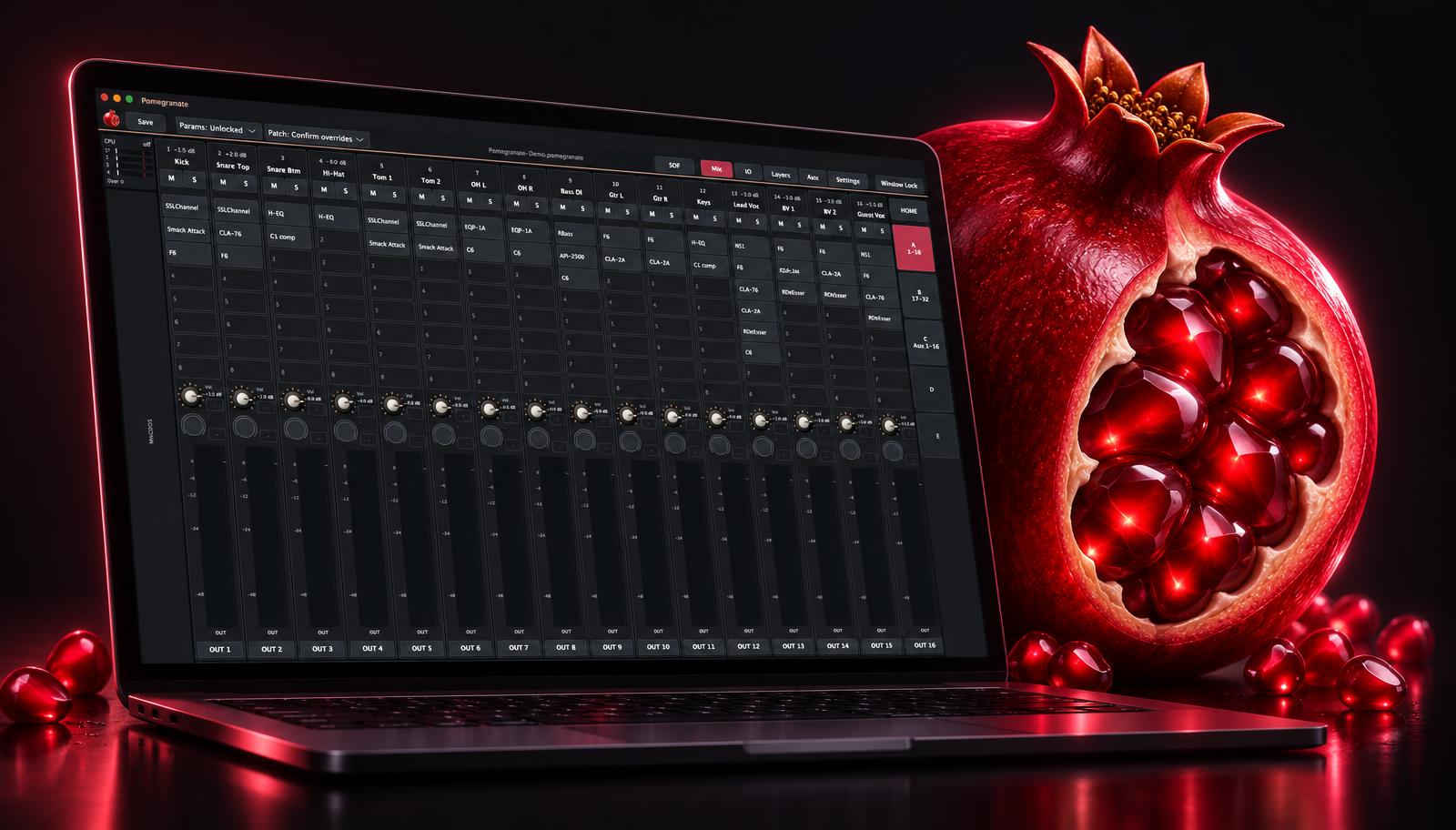
A live plugin host that puts your studio plugins on every channel of the show. Version 0.1.0 is in pre-release.
Your console's built-in processing may not include the plugins you reach for in the studio. Those plugins run on a computer, and at a show that computer has to keep up for the whole night. Pomegranate is built for exactly that, and nothing else.
What it does
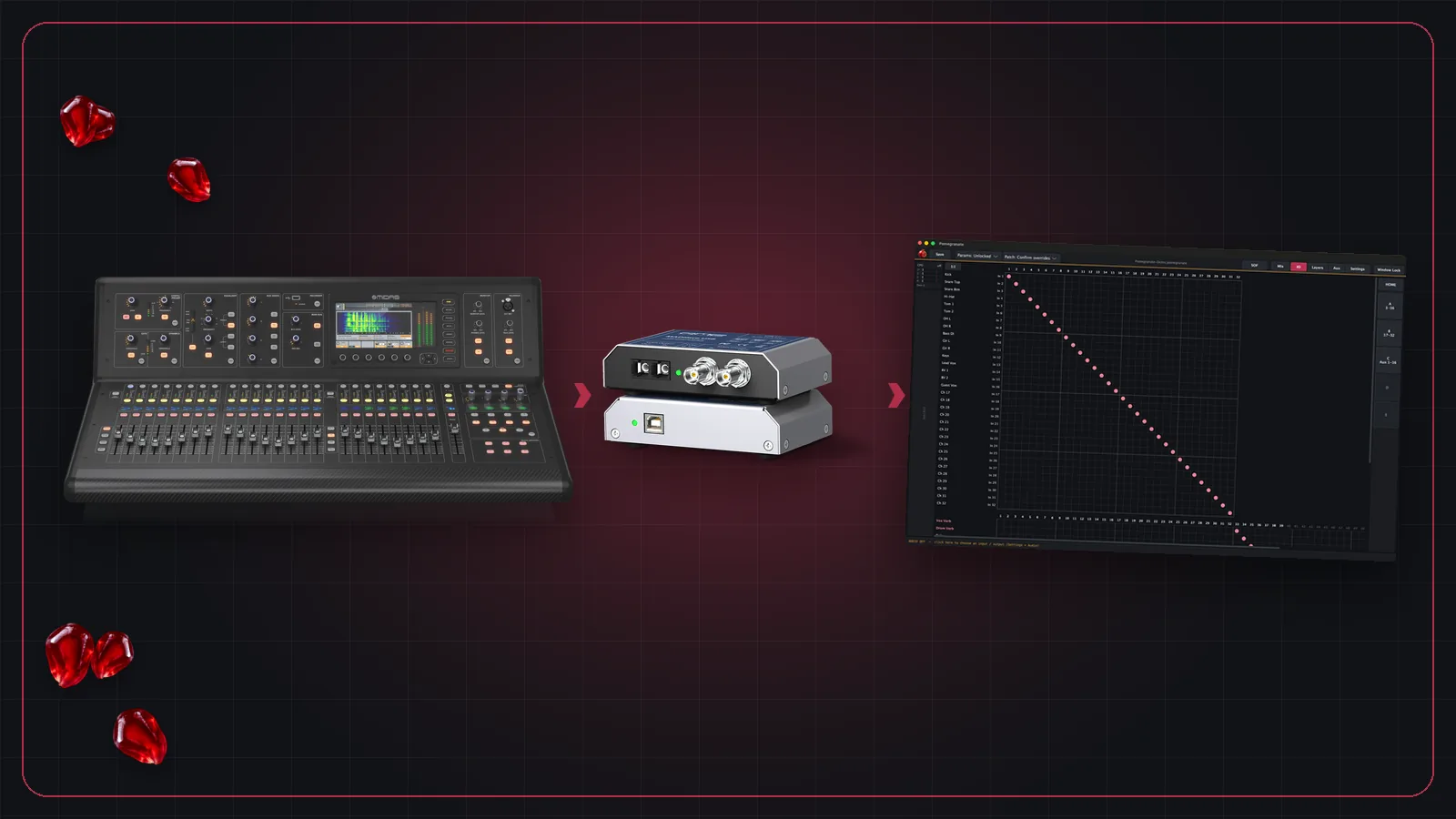
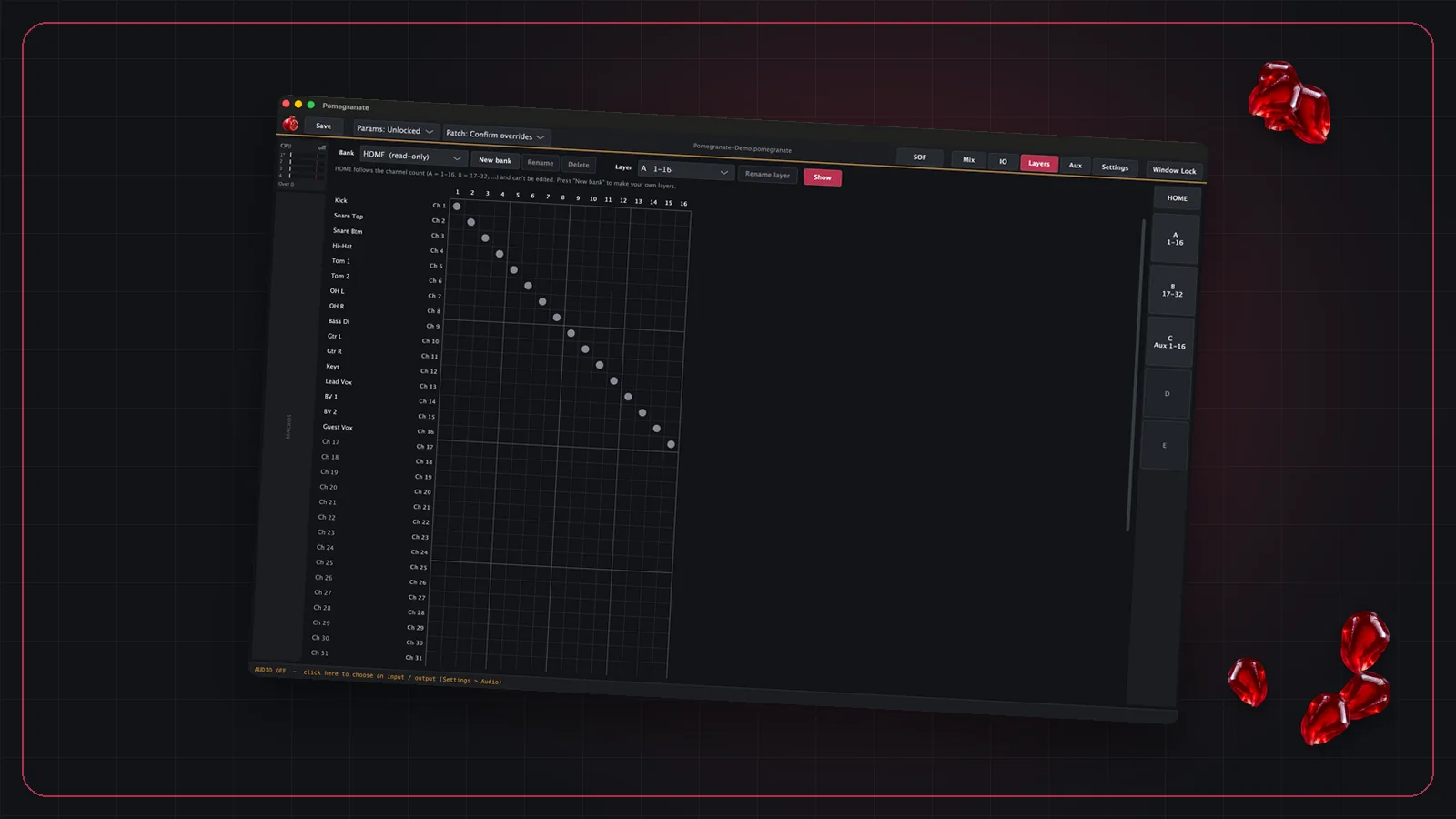
Pomegranate connects to your console over MADI and runs up to 8 VST3 plugins on each of 64 channels and 16 aux buses. It's designed for low latency and stability, so you can use your own plugin sounds live.
Who it's for
- Front-of-house and monitor engineers who want their own plugin sounds at a show.
- Touring engineers who want the same setup from venue to venue.
- Production companies and venues with MADI-equipped consoles.
Built to be fast to work with
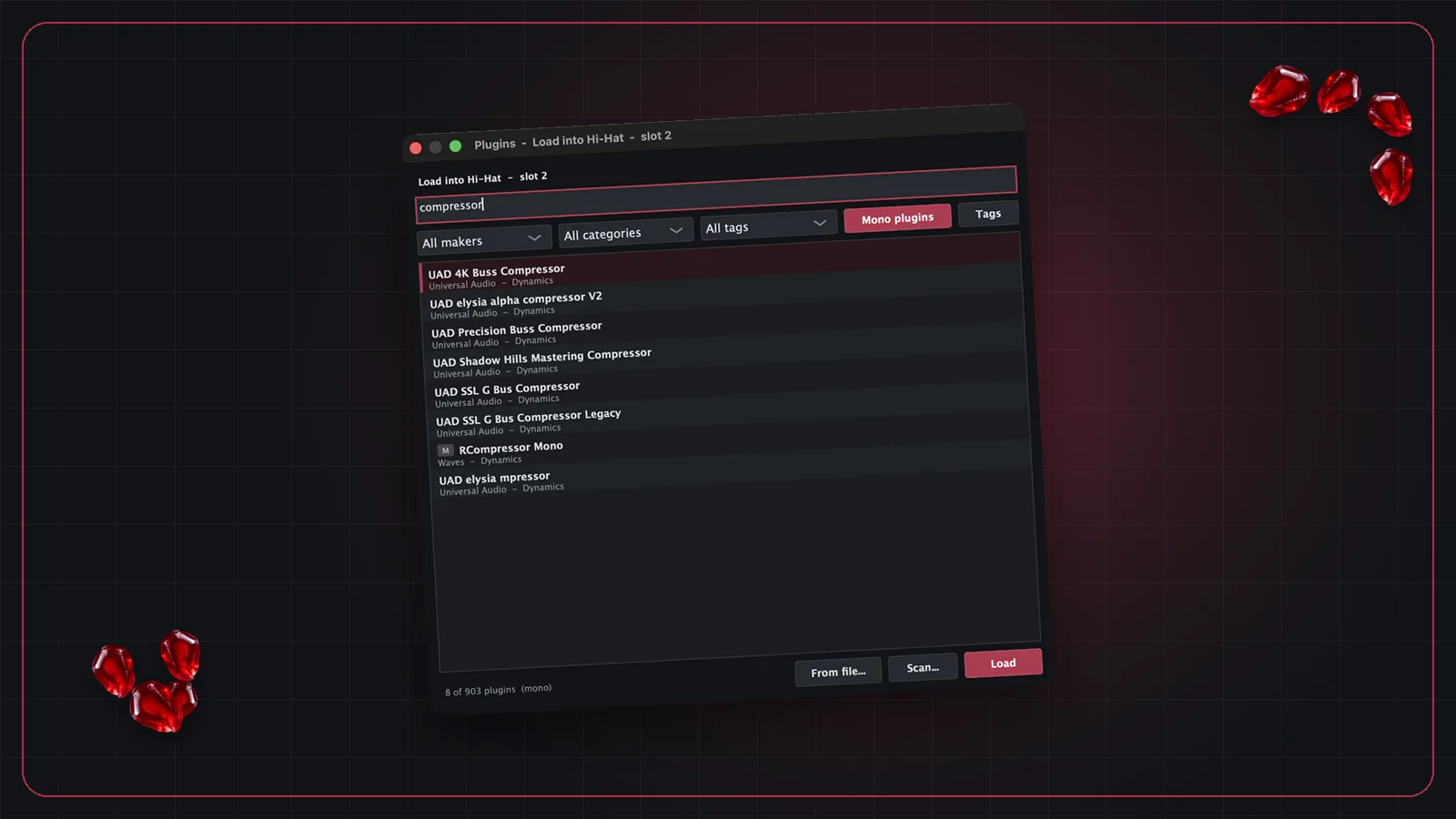
- Find a plugin in a few keystrokes, and filter by maker, category or your own tags. Typos are tolerated.
- Use the arrow keys to move across strips and plugins, or jump to the next EQ or compressor.
- Control it with MIDI hardware or OSC network apps. Values are sent back to motorized faders.
Where things stand
Pomegranate is at version 0.1.0 and in pre-release. Pricing and a release date are coming soon.
New to running plugins at a show? Start with our complete guide to live plugin hosting.